Hello, today I will show you how to unlock bootloader, install twrp and root your device
We need to download the following files
Usb VCOM Driver : Download
SP Flash Tool : Download
TWRP Nokia 3 : Download
Magisk : Download
Please enable USB debugging in developer mode
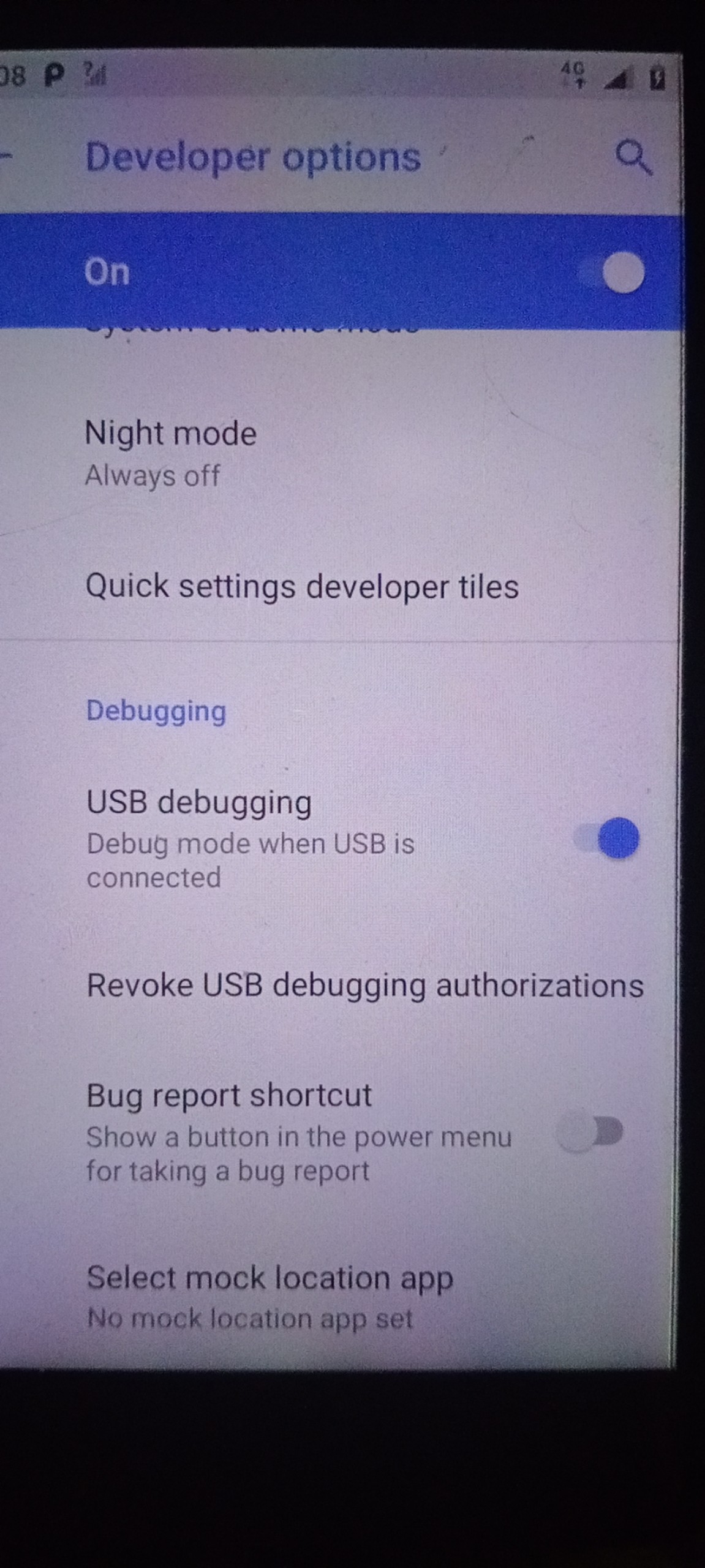
First, we need to install the Nokia driver for the device, it is very easy to install, you can do it
You need to back up all data phone before unlocking the bootloader, it will erase all data, please check carefully.
Use the method from this page to unlock the bootloader
If the unlock process fails, maybe your serial number is in the default state, please read this_page.

Next we will install twrp and root the Nokia 3 device
You may need to install the USB vcom driver to flash the file. If you have already installed it, you do not need to install it anymore
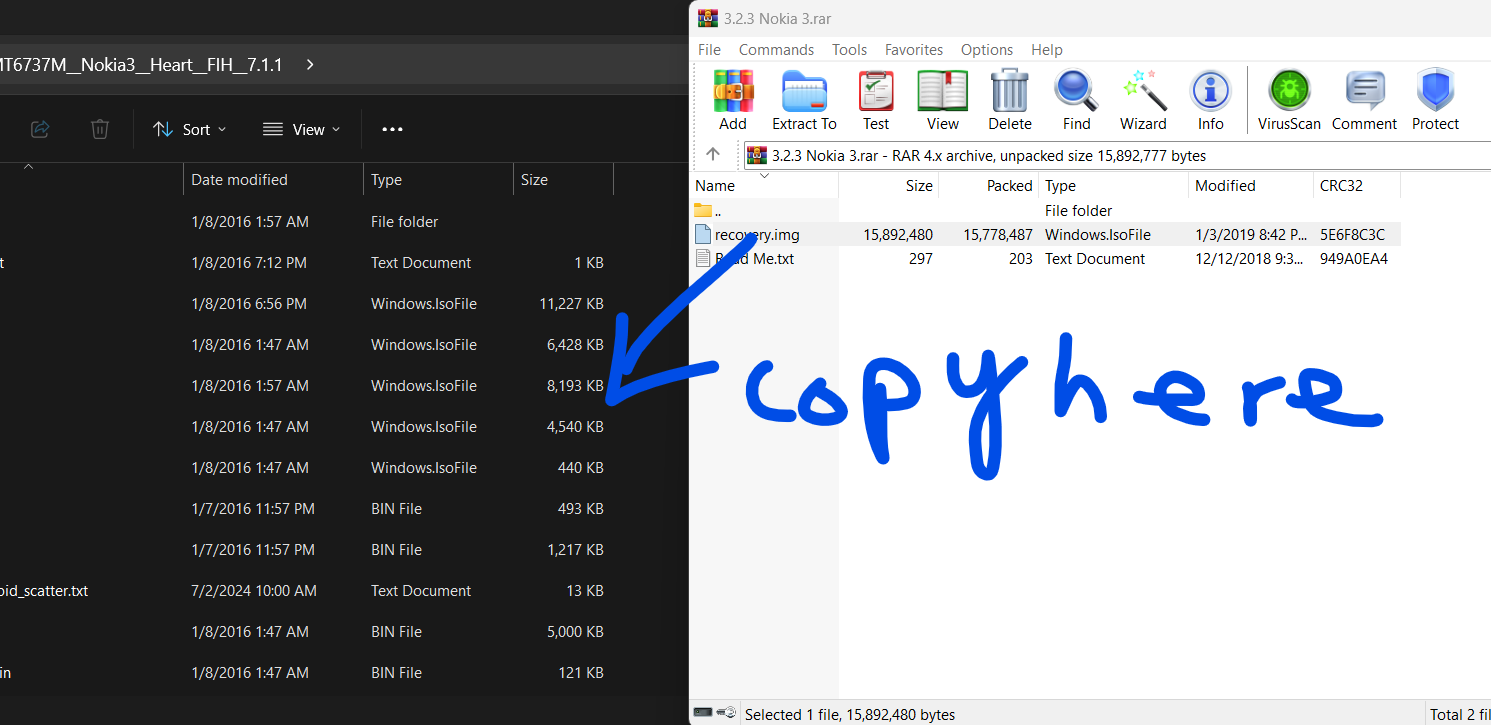
Please copy the recovery file into the extracted firmware file
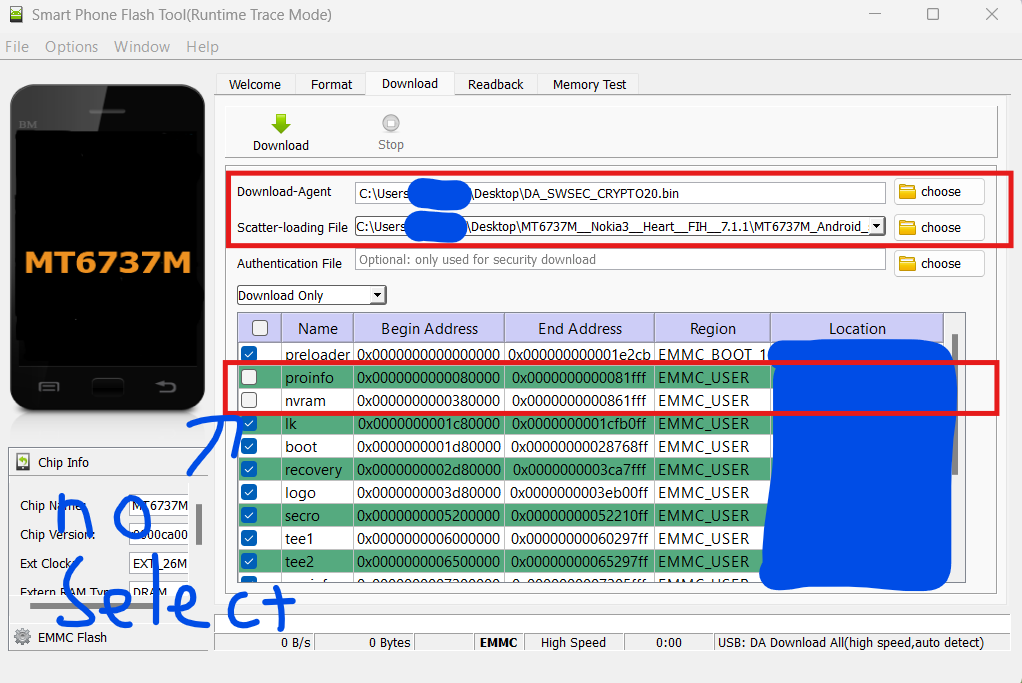
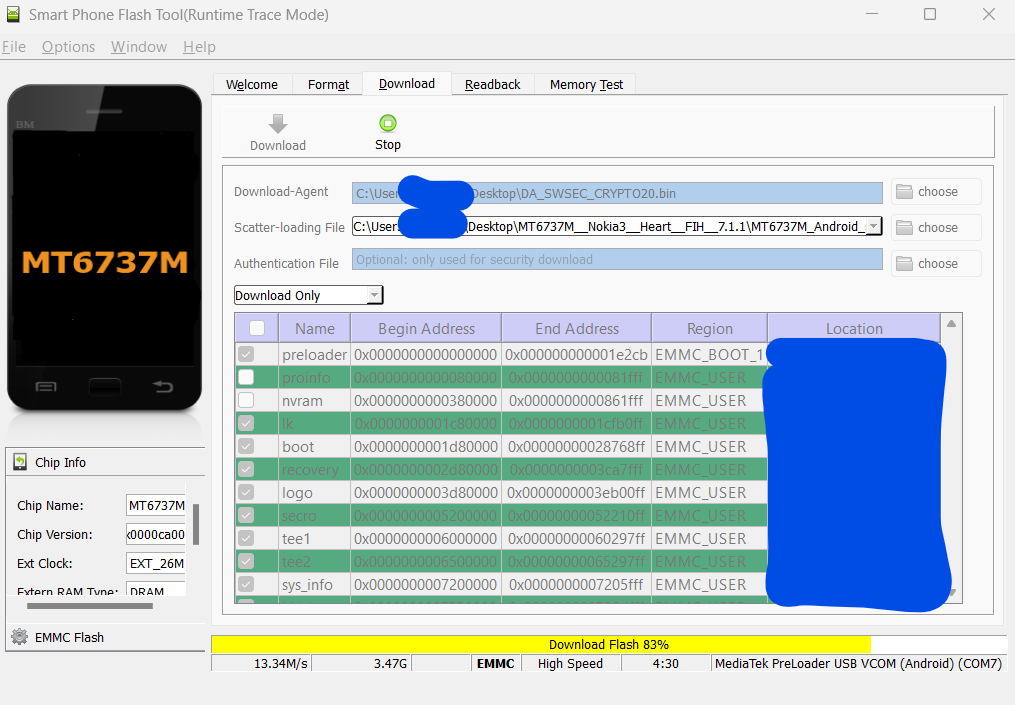
Open sp flash tool and select the scatter firmware file
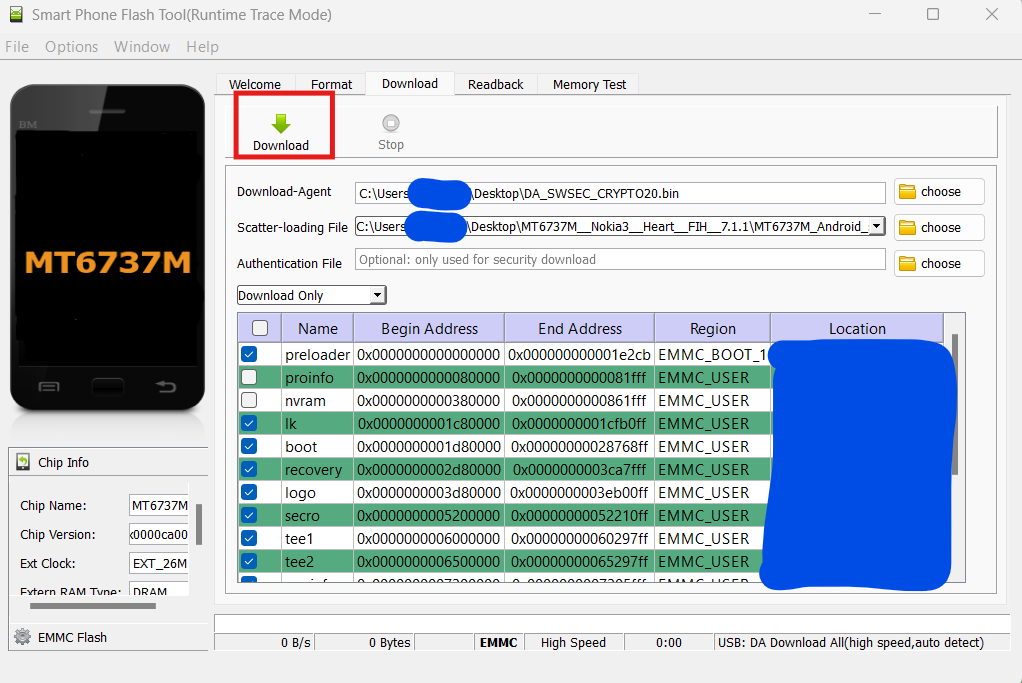
Click Download button and turn off your phone
Wait while flashing
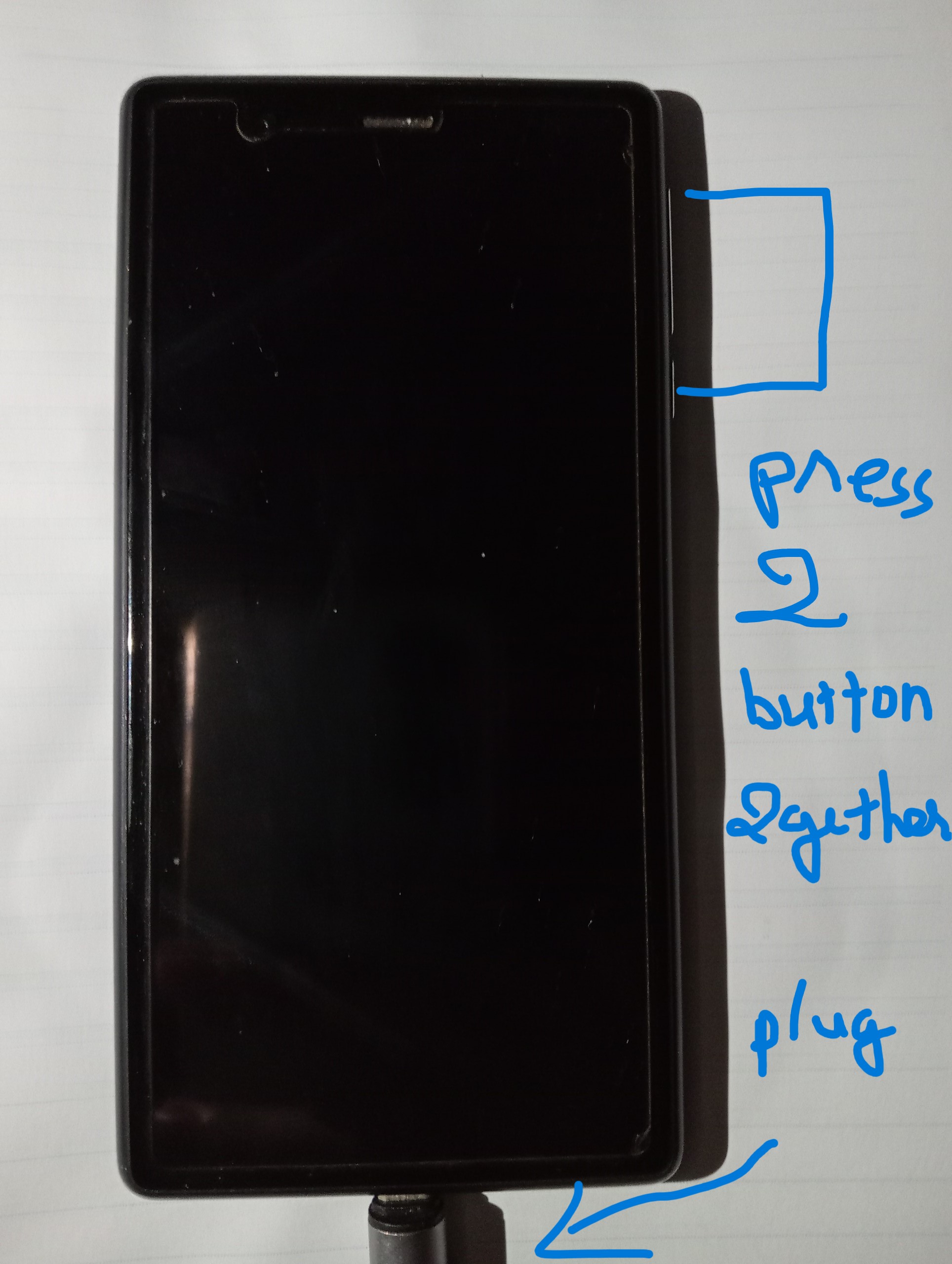
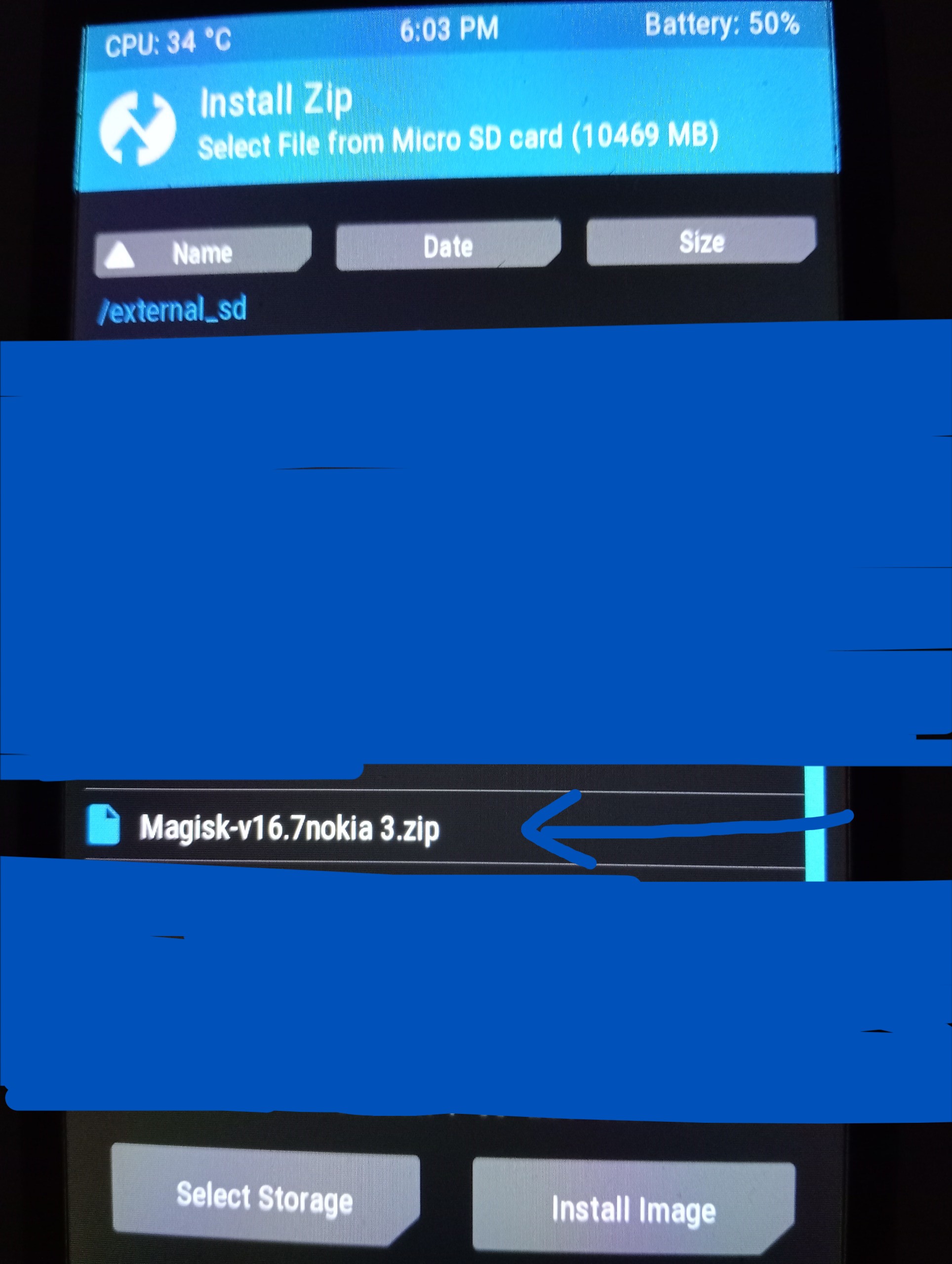
Copy the Magisk.zip file to the sd card, plug in the charger and hold down the power and volume buttons until the recovery screen appears.
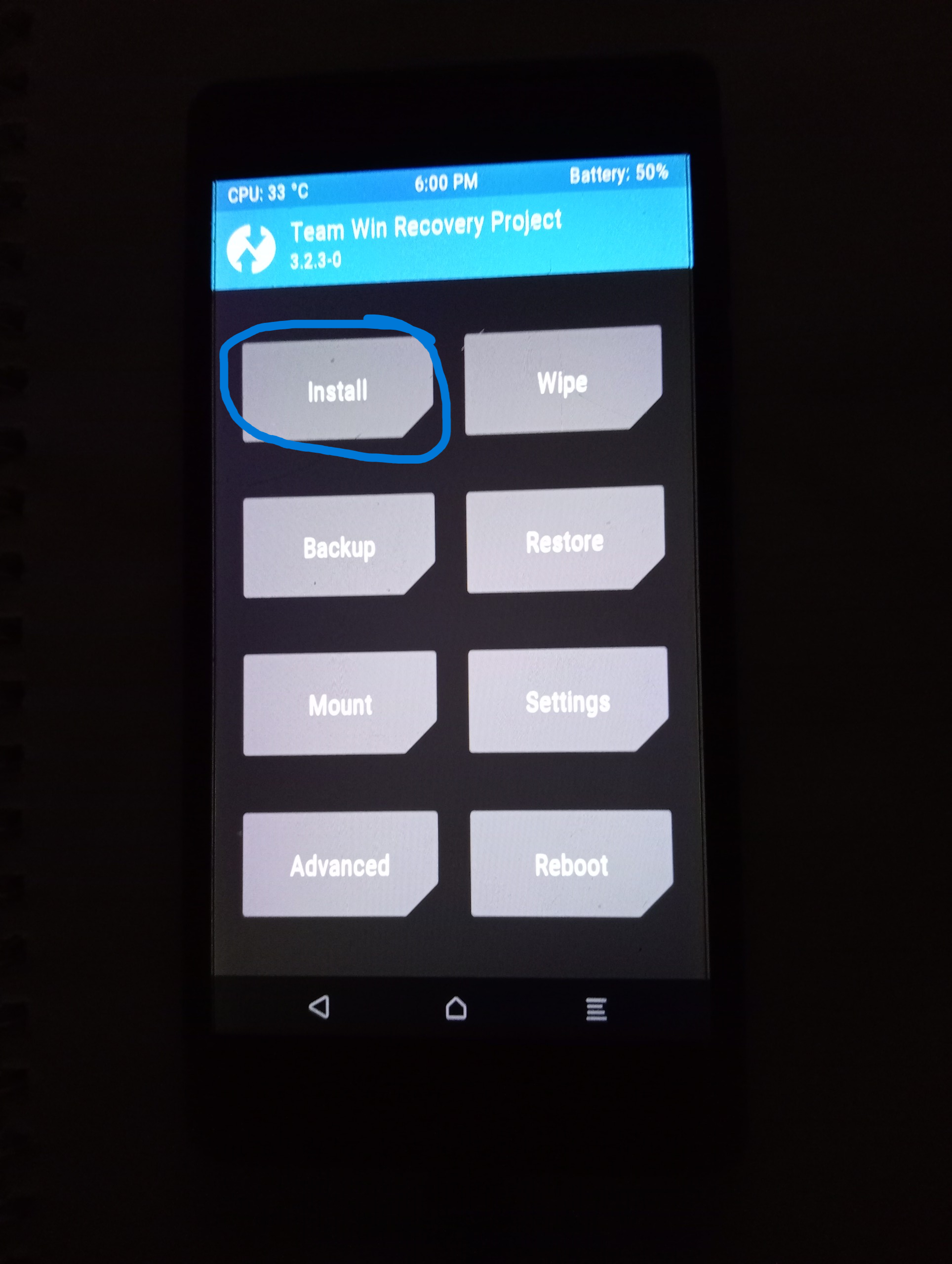
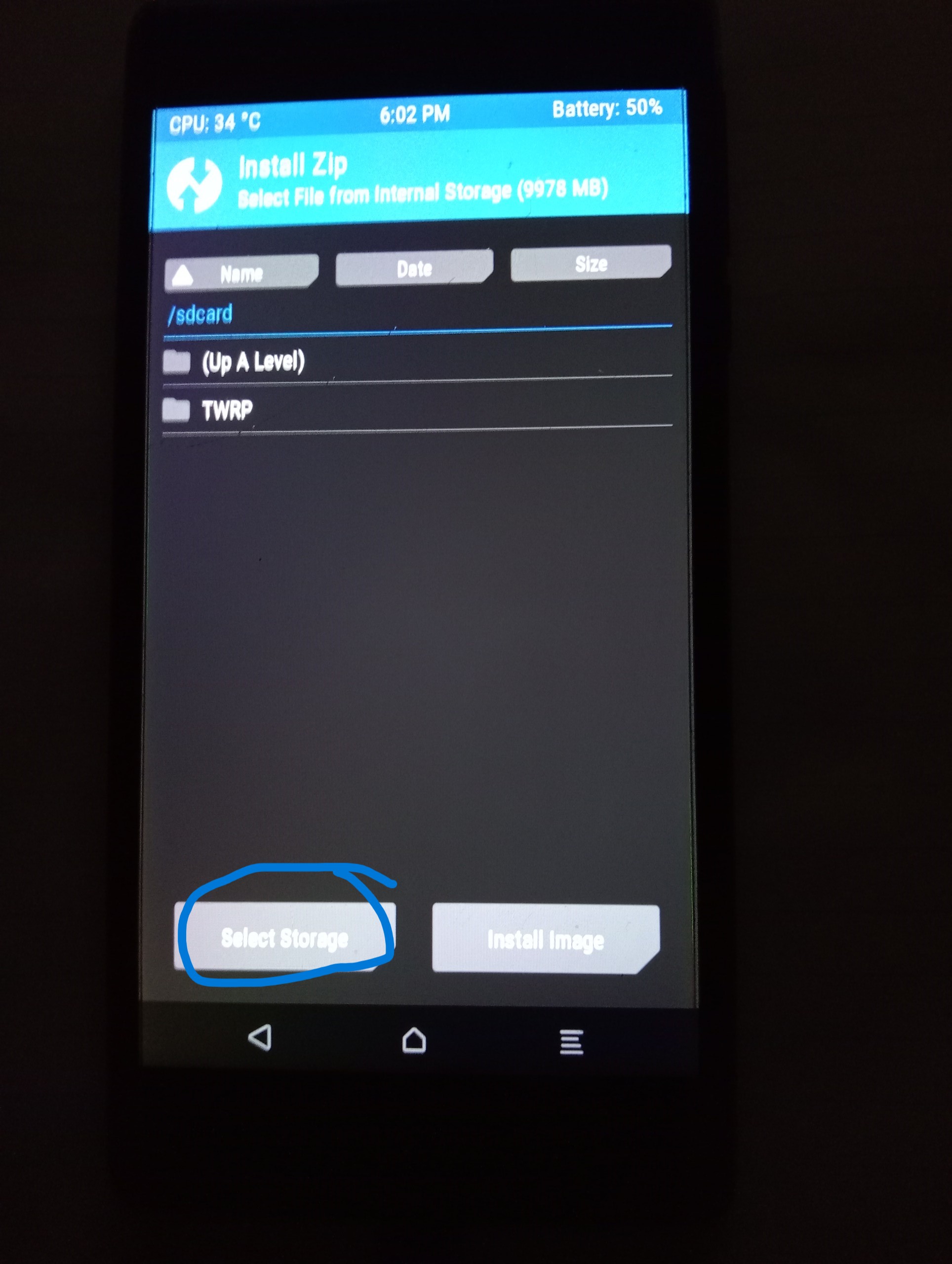
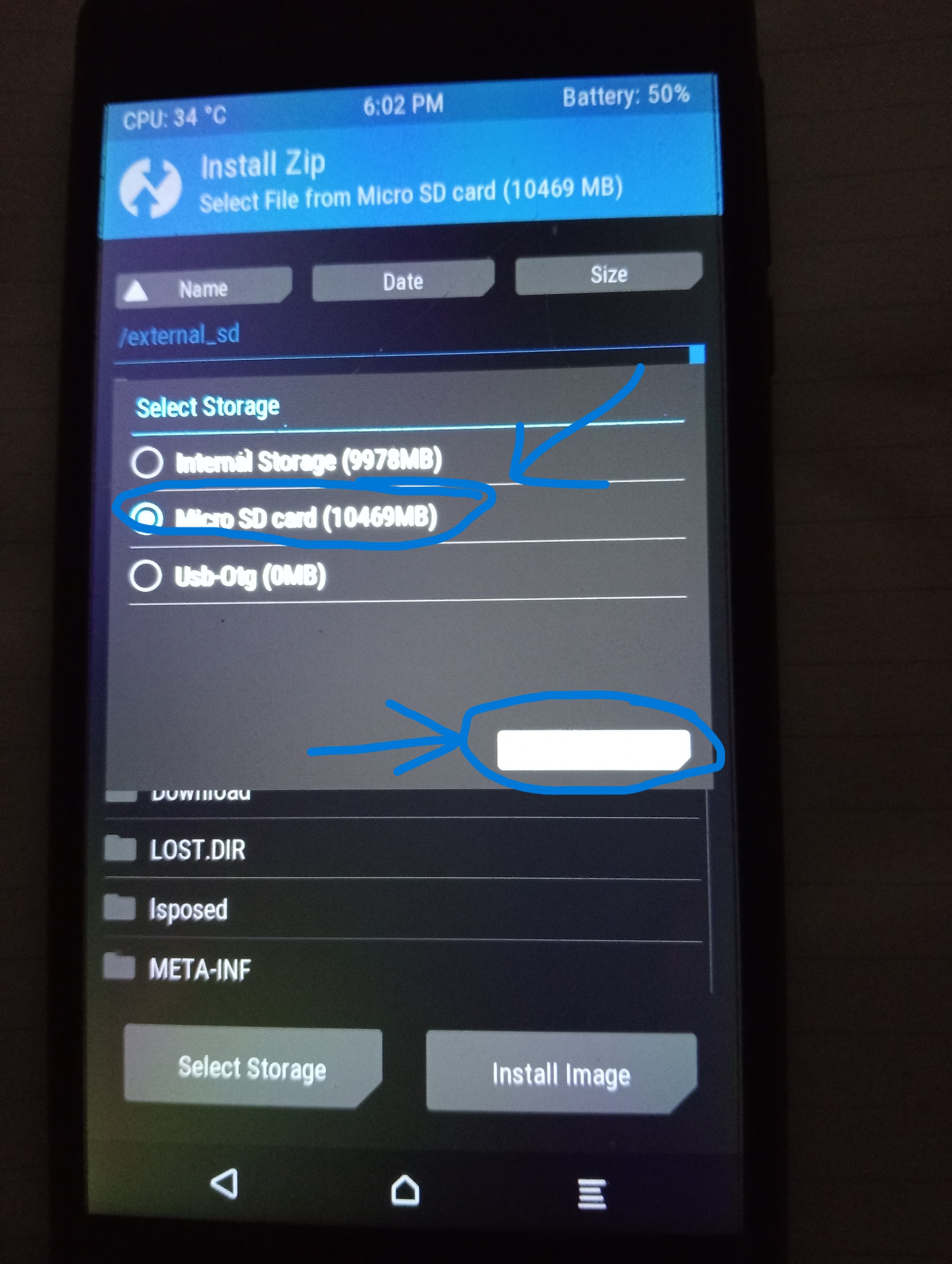
choose magiskfile.zip
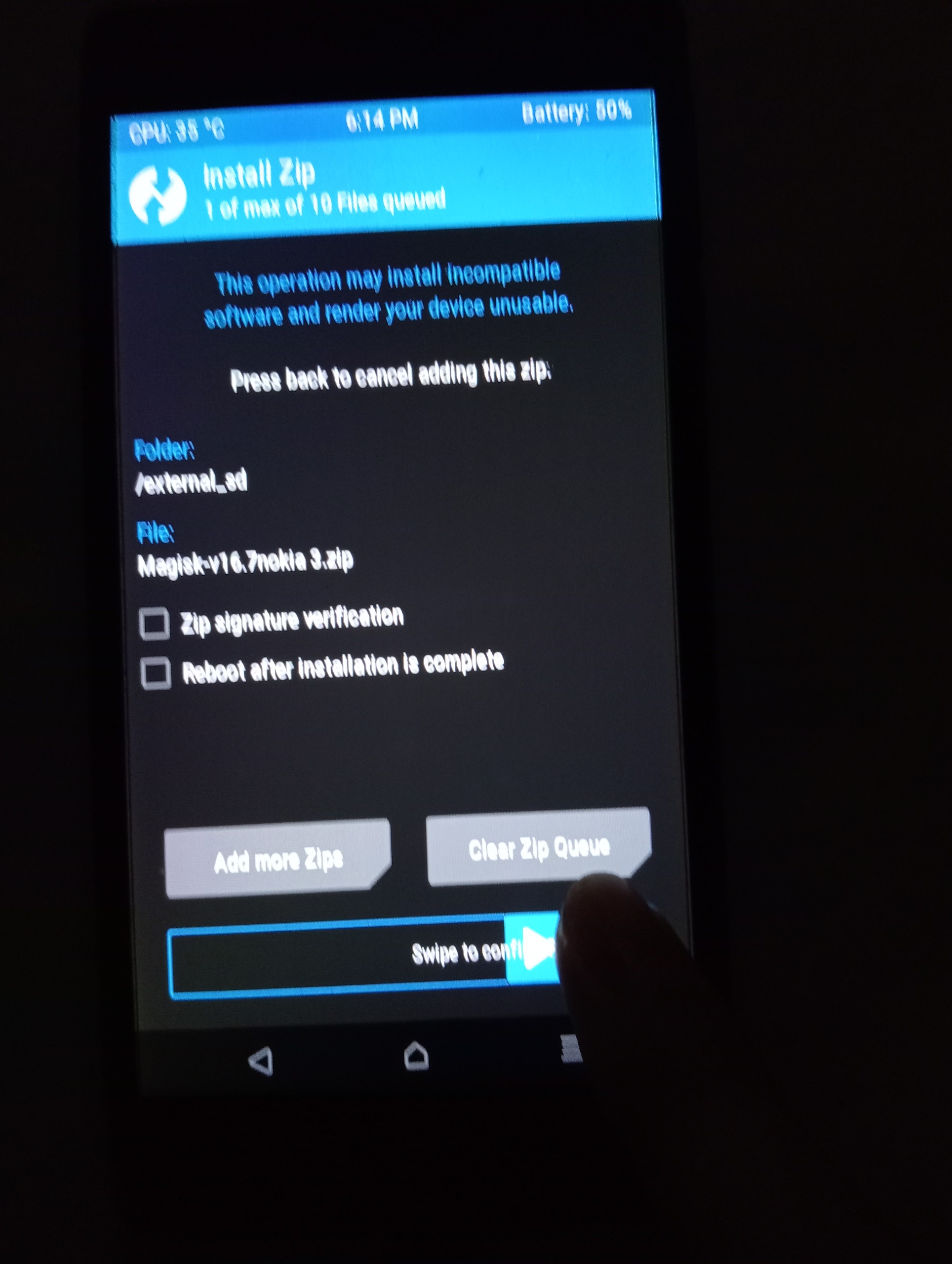
swipe to flash
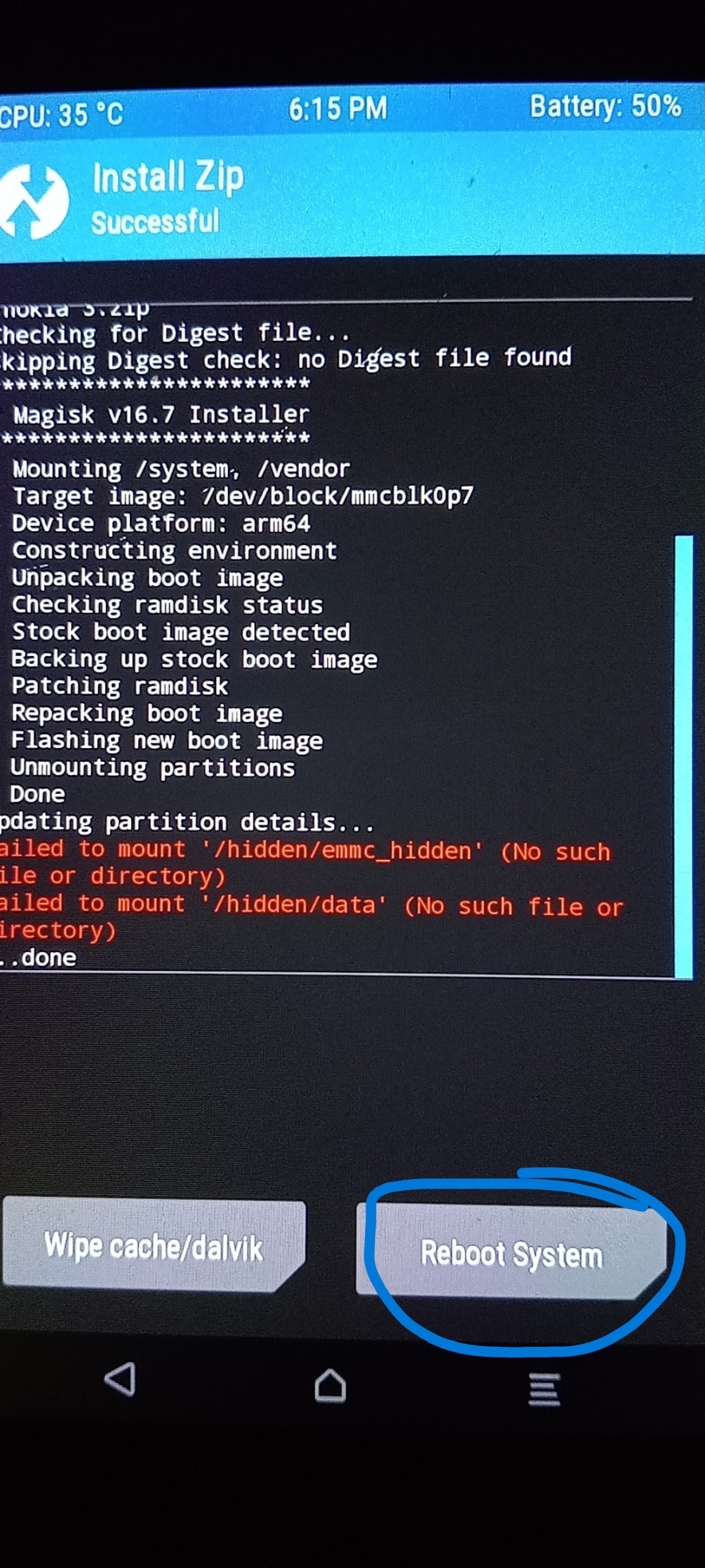
Once the device is booted, download magisk from the official homepage and install
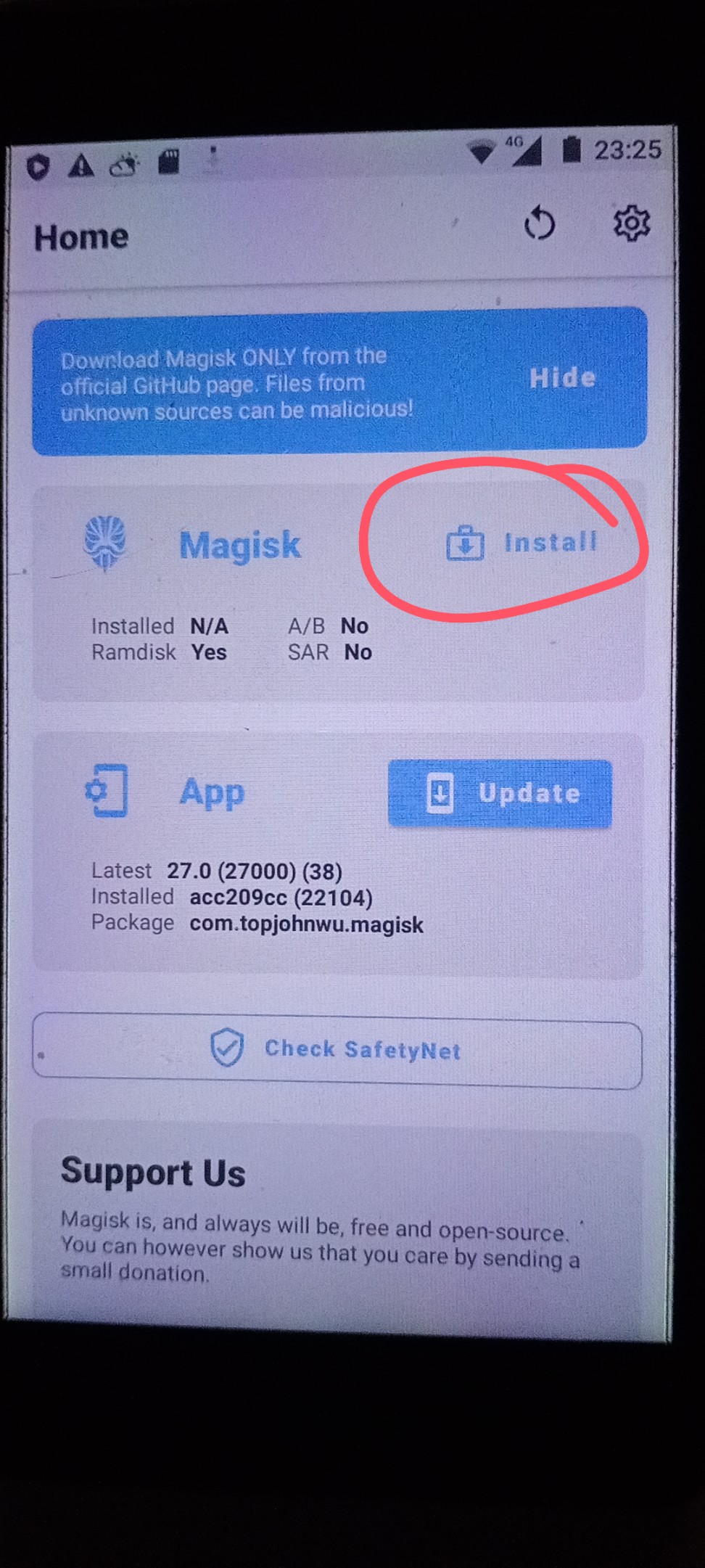
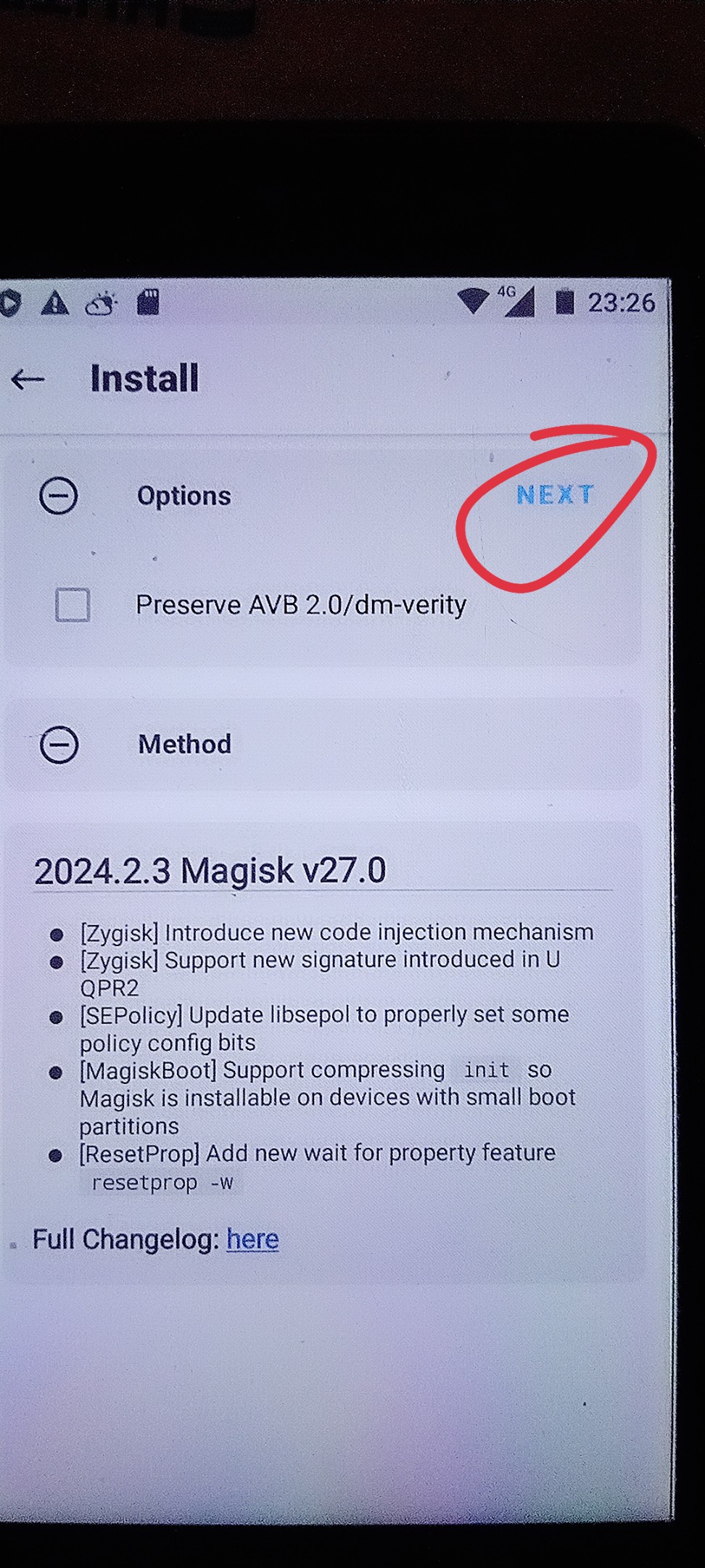
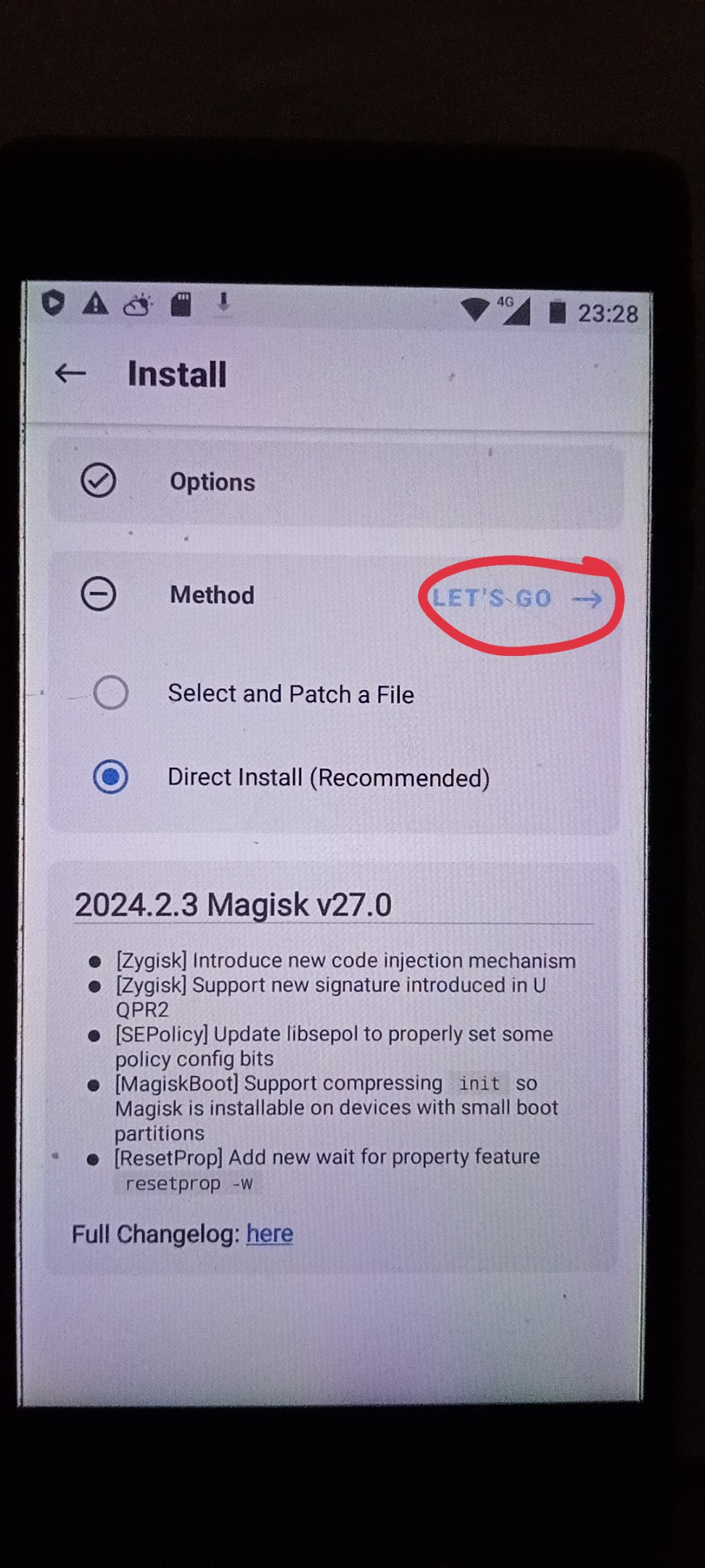
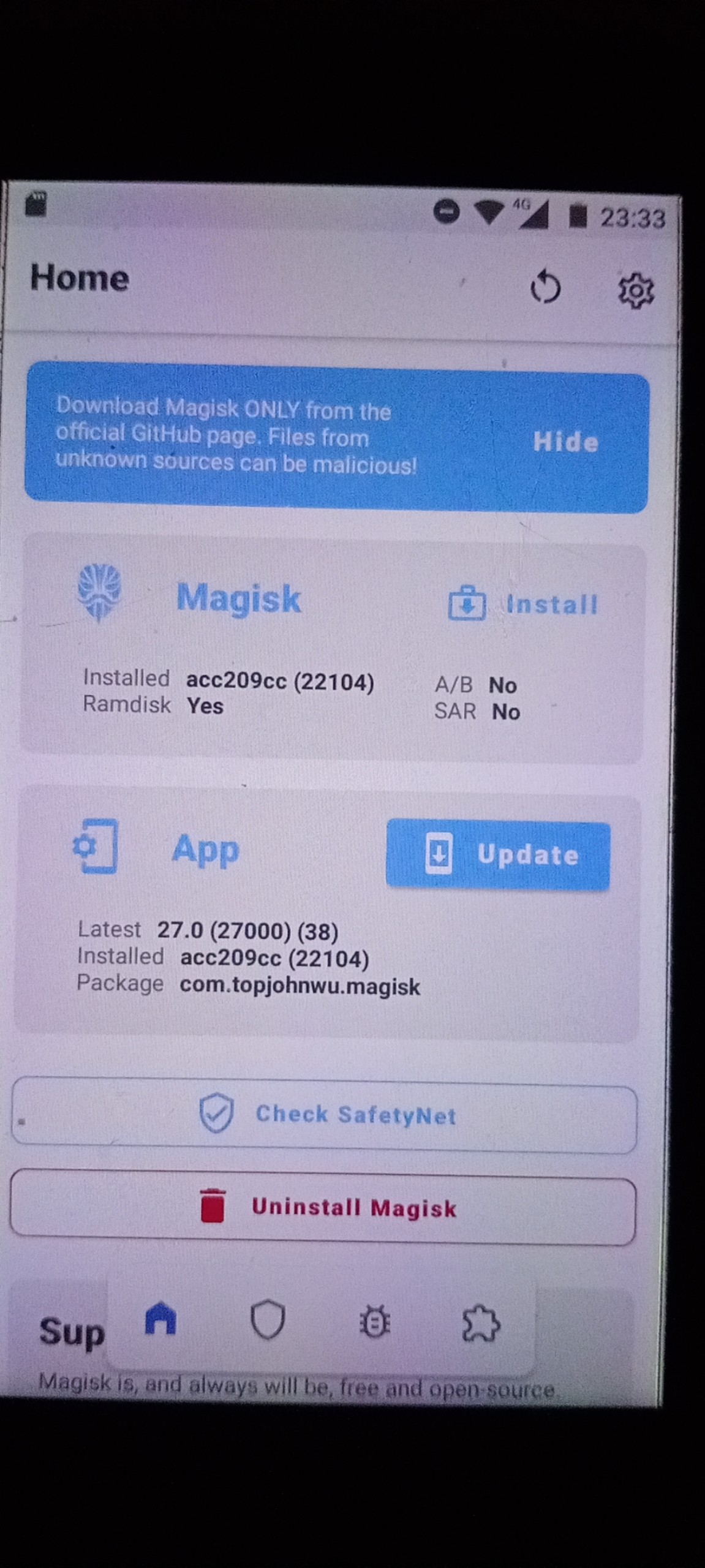
The process will automatically install and click reboot now, so we have completed the installation, hope you like this post, good luck
ID Post : 070120248:13