Hello, today I will guide you to fix the Nokia 3 serial number and imei null, the serial number 0123456789ABCDEF cannot unlock the bootloader and makes us feel bored when the device cannot unlock the bootloader.
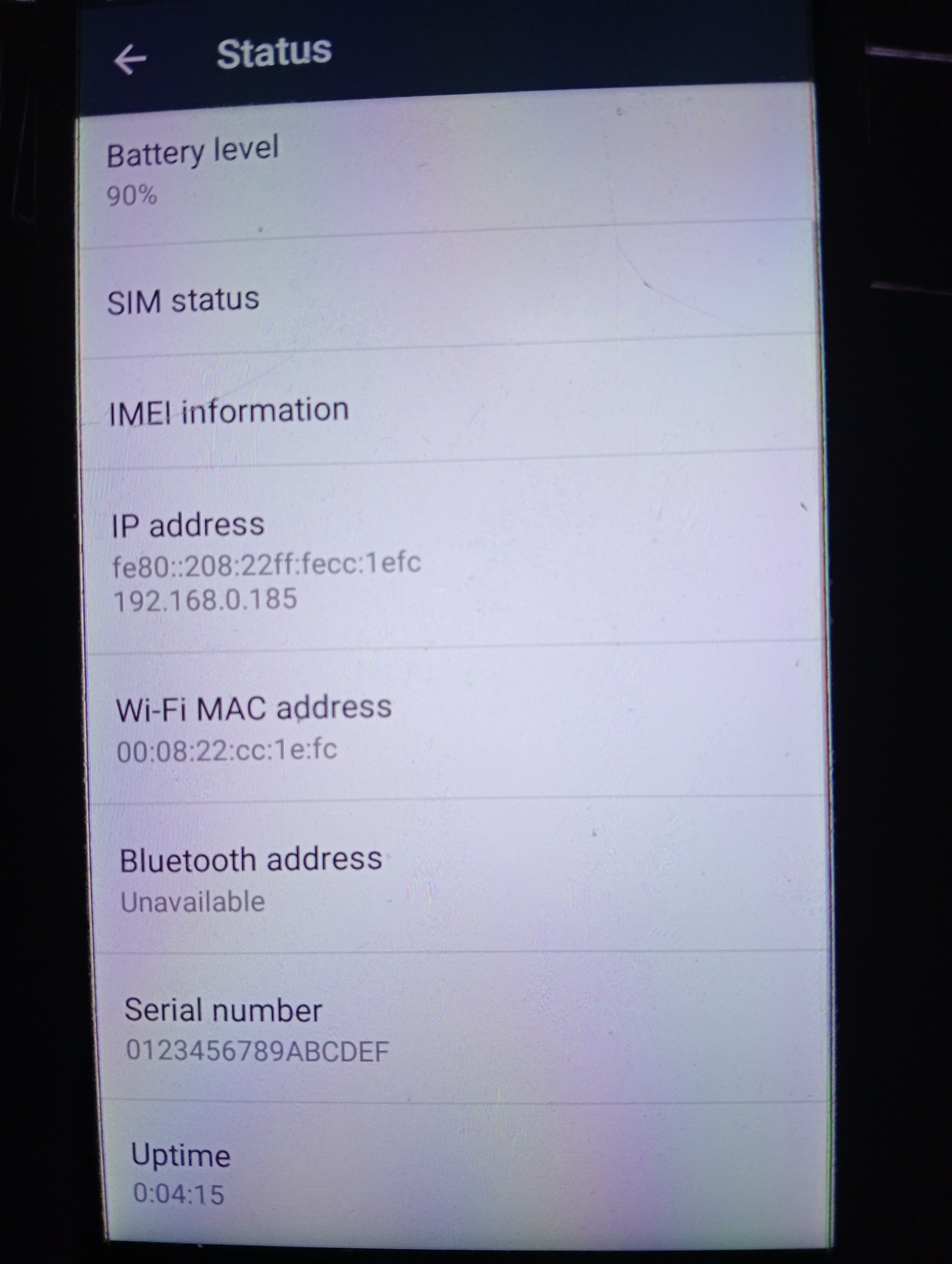
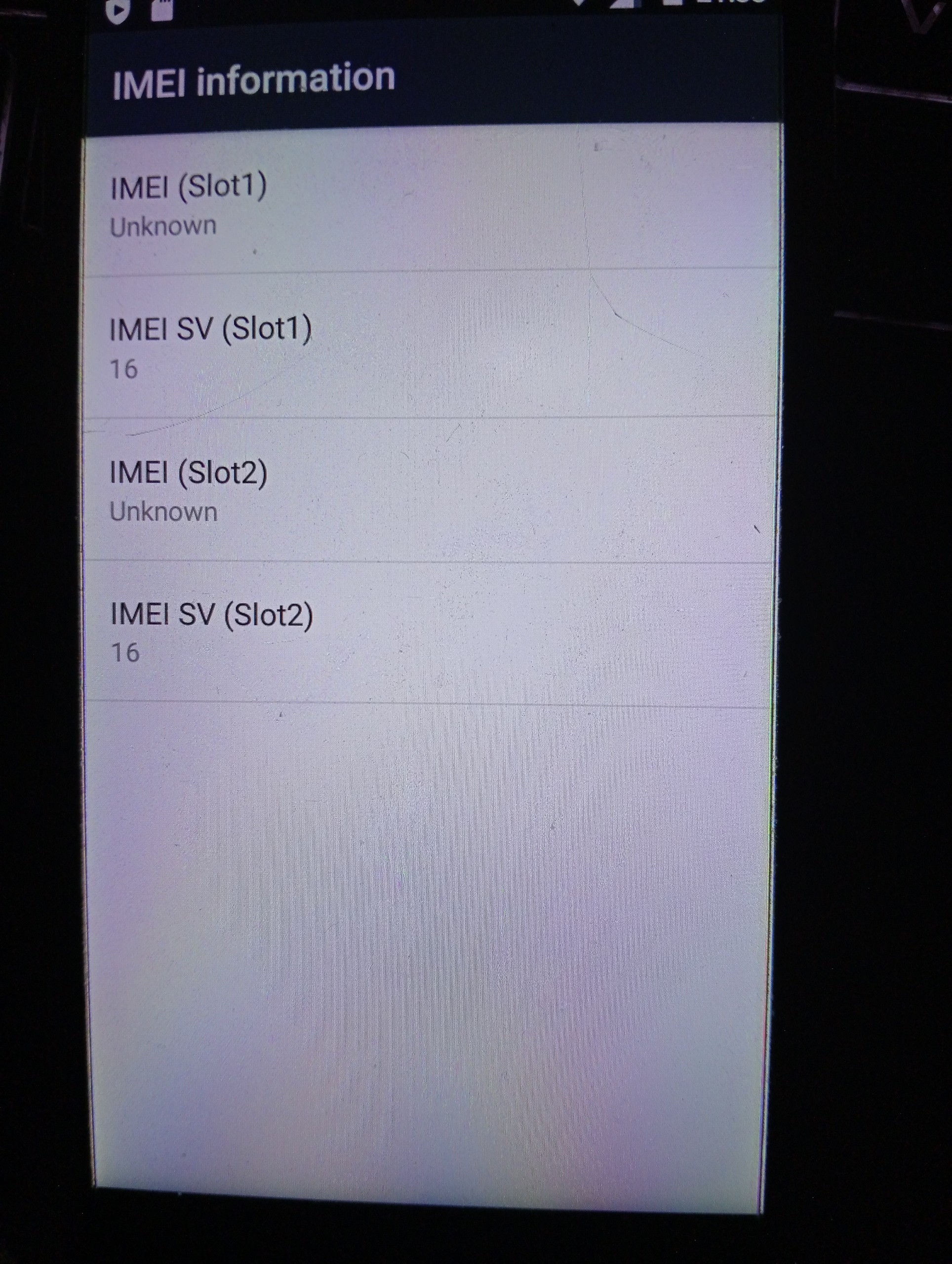
First, we need to download files here
Firmware file (choose android ver 7.0): Download
Dowload Agent file (DA File): Download
SP Flash Tool : Download
Usb VCOM Driver : Download
After downloading, unzip the firmware file and it will have a name like this
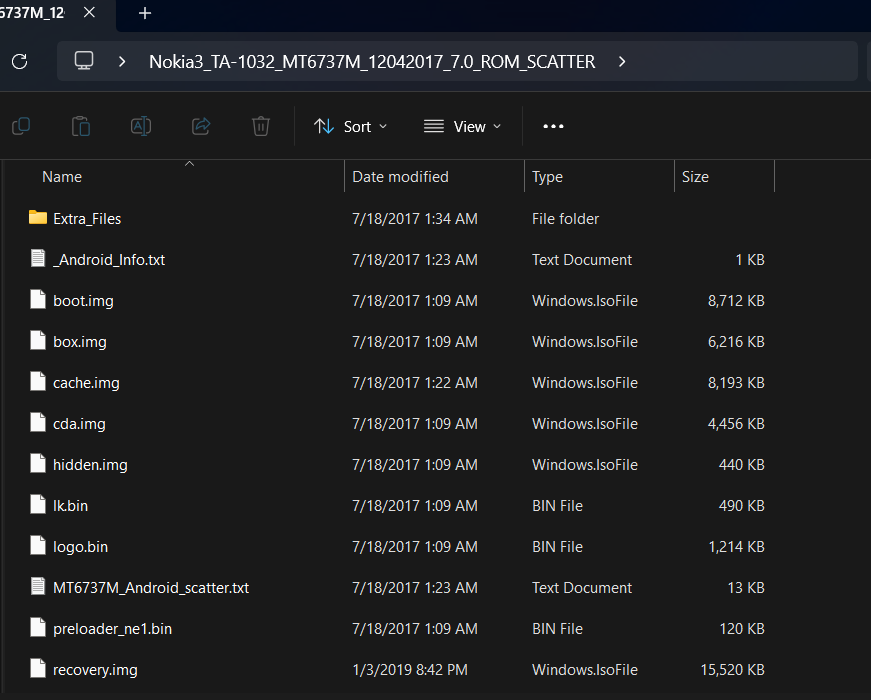
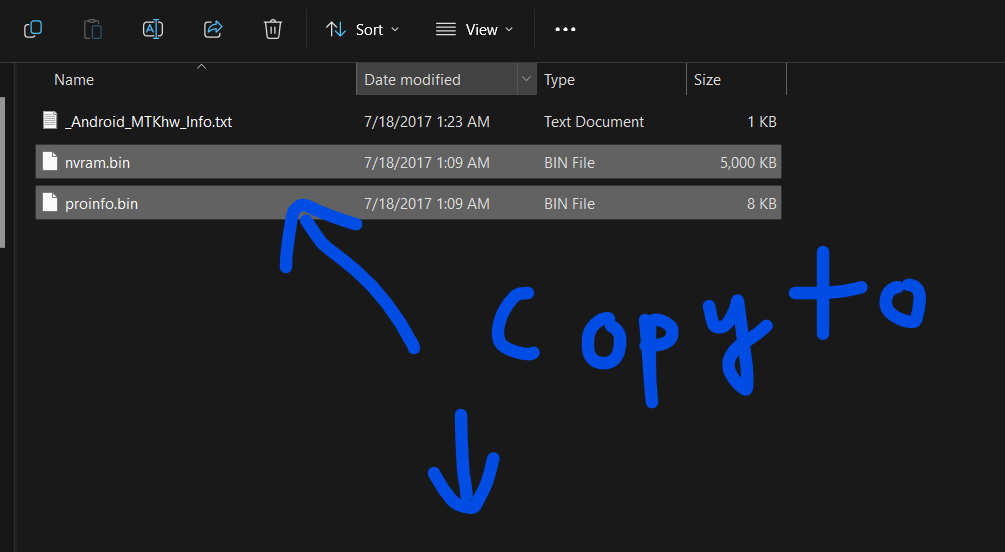
Next, copy 2 files named nvram.bin and proinfo.bin into the folder Nokia3_TA-1032_MT6737M_12042017_7.0_ROM_SCATTER
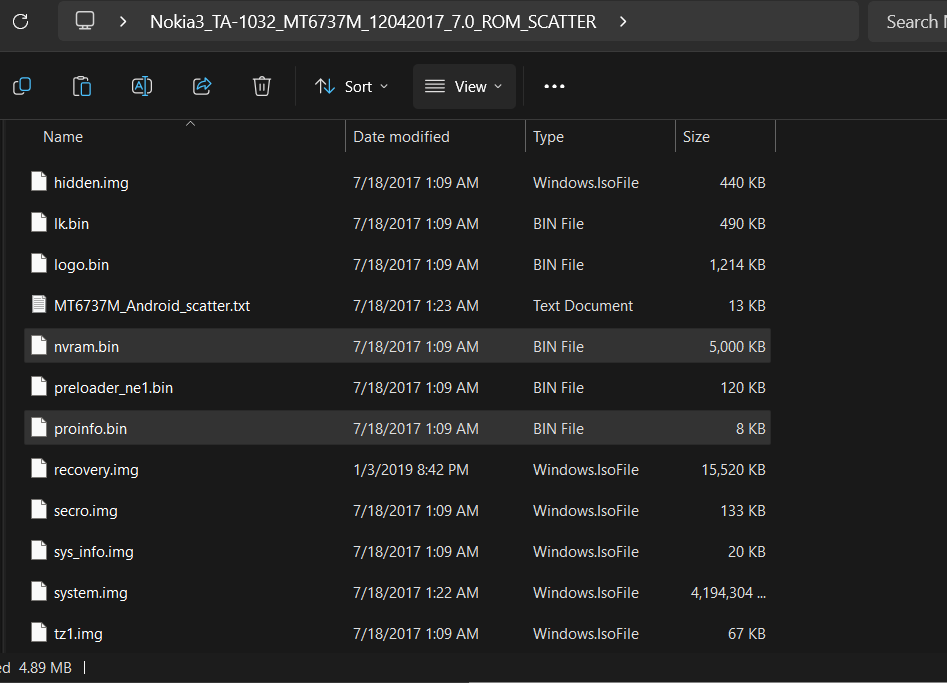
Next, we will need to reconfigure the file named MT6737M_Android_scatter.txt
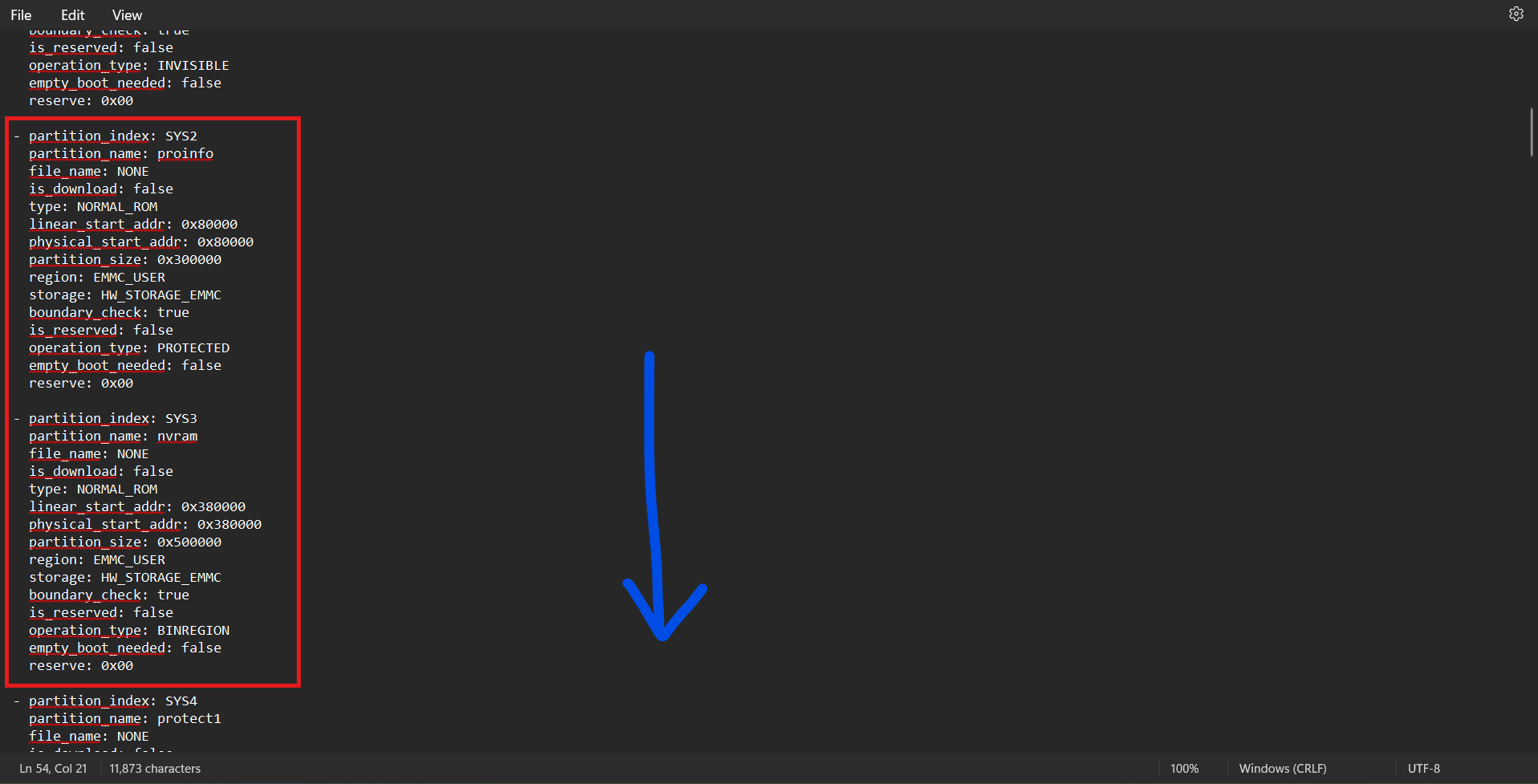
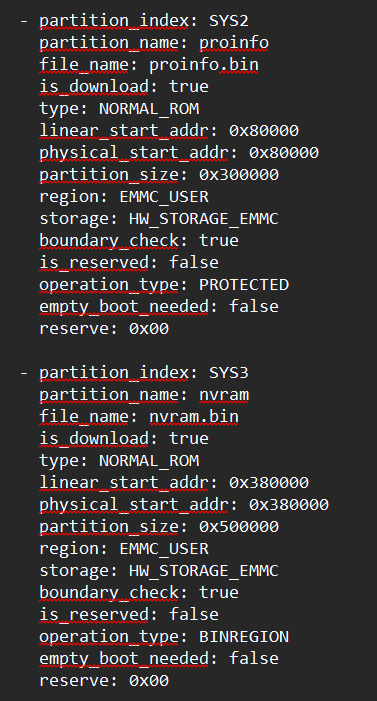
We need to write 2 correct file names proinfo.bin and nvram.bin for each partition_name and set the false value to true:
Save the file, we will install the usb vcom driver so that the sp flash tool can identify the device better, find the file named usb2ser_Win764.inf and drag it to the desktop
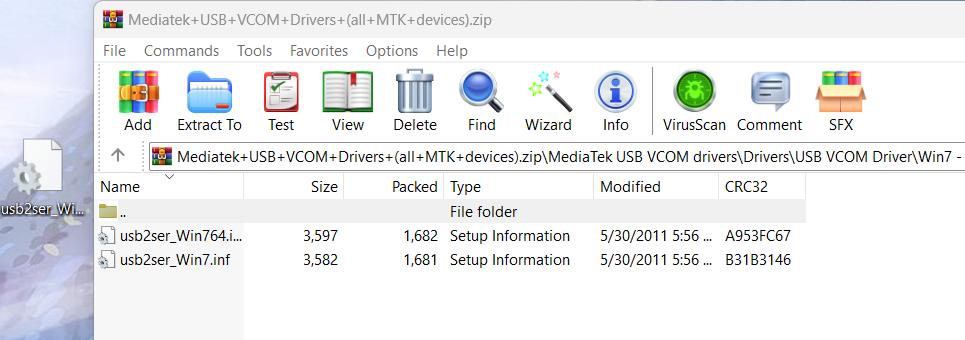
Next, we go to device manager to install the driver
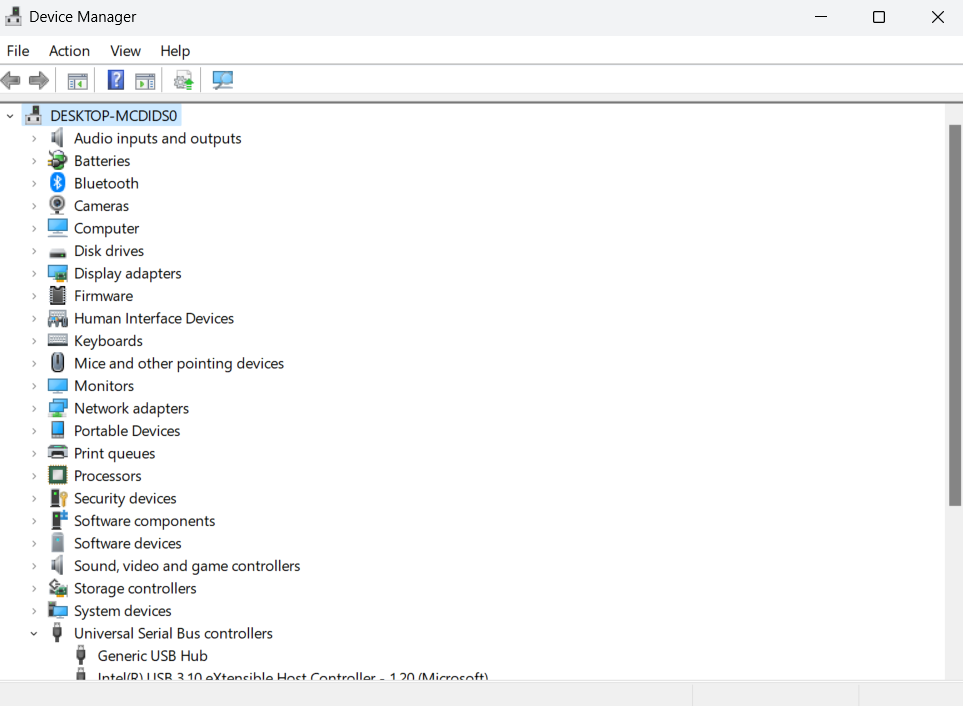
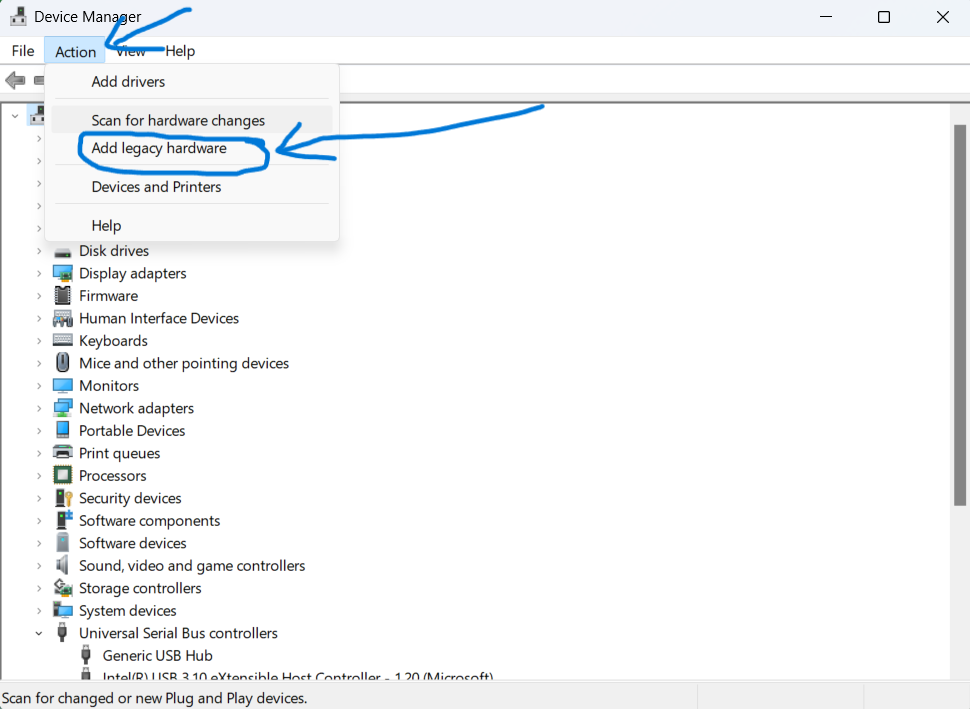
We click on the device name, select action and select add legacy hardware
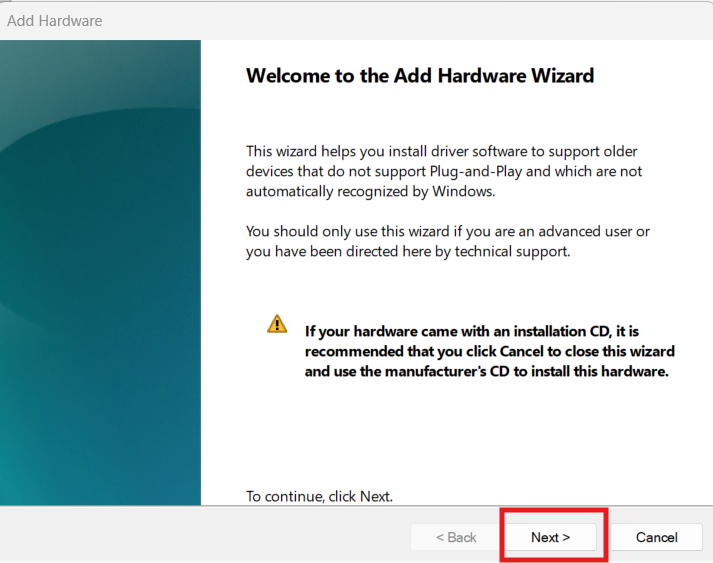
Click next
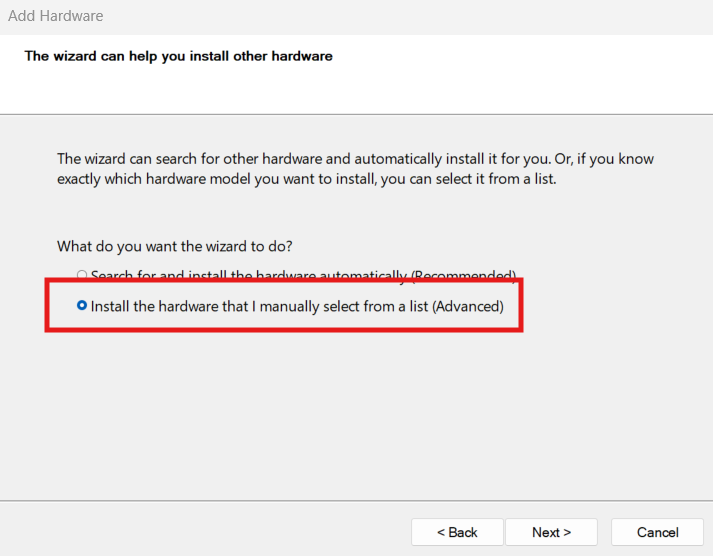
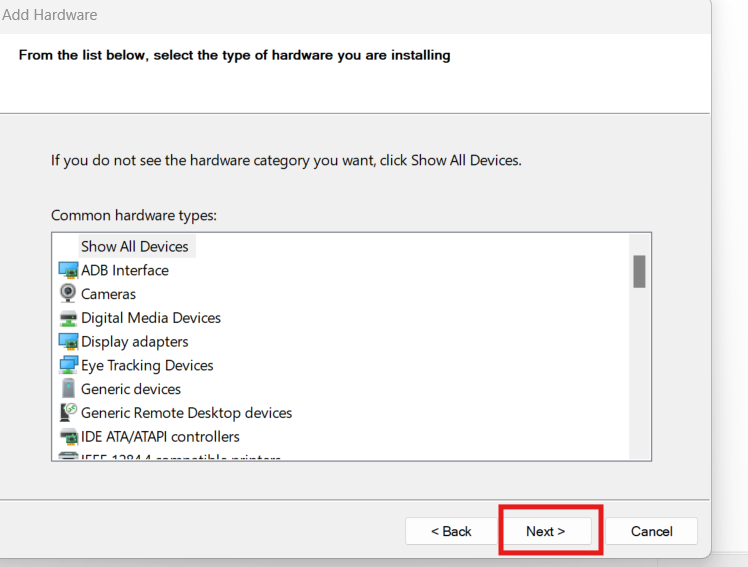
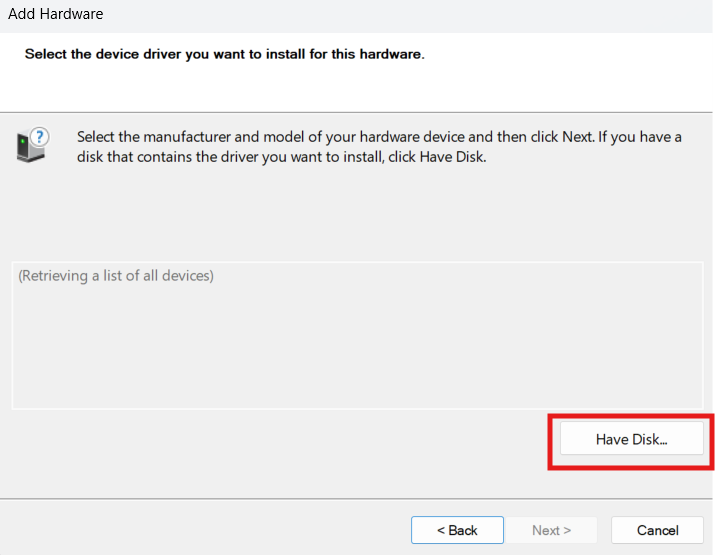
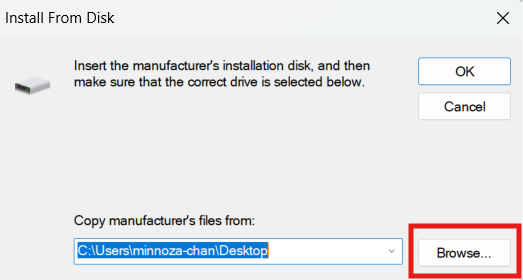
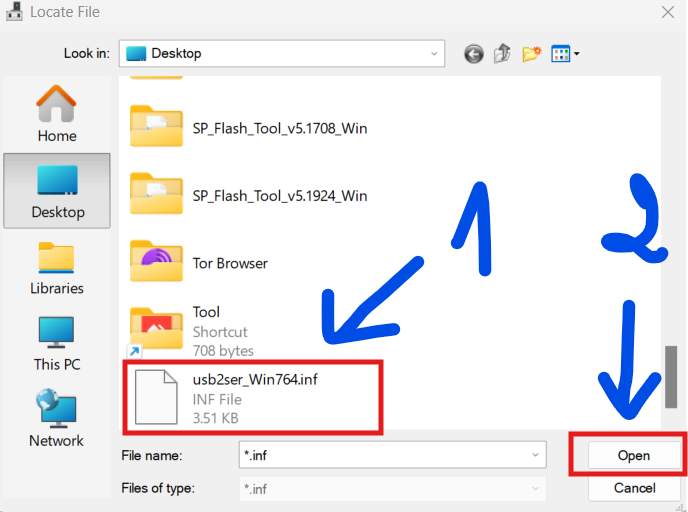
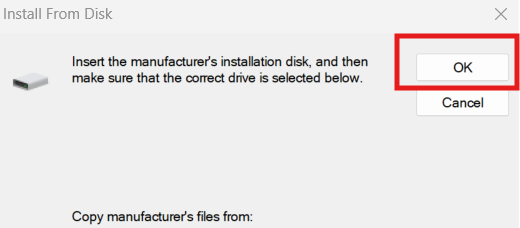
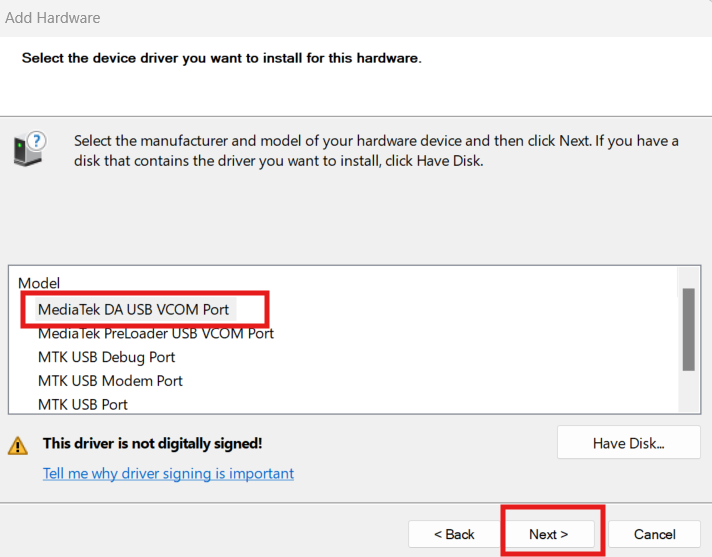
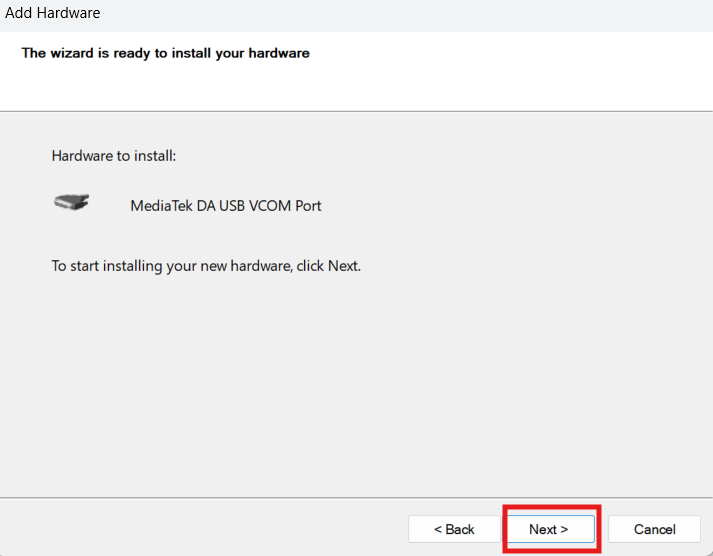
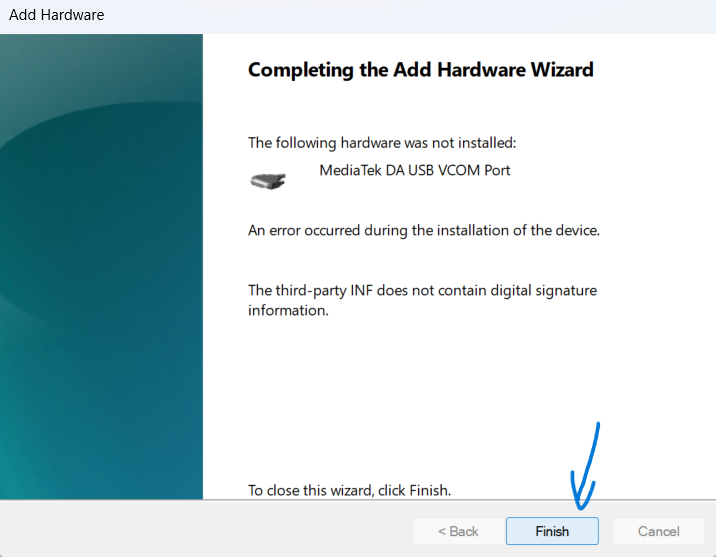
Next, open SP Flash Tool
Next, open SP Flash Tool, we will select the previously downloaded DA file and select the file named MT6737M_Android_scatter.txt
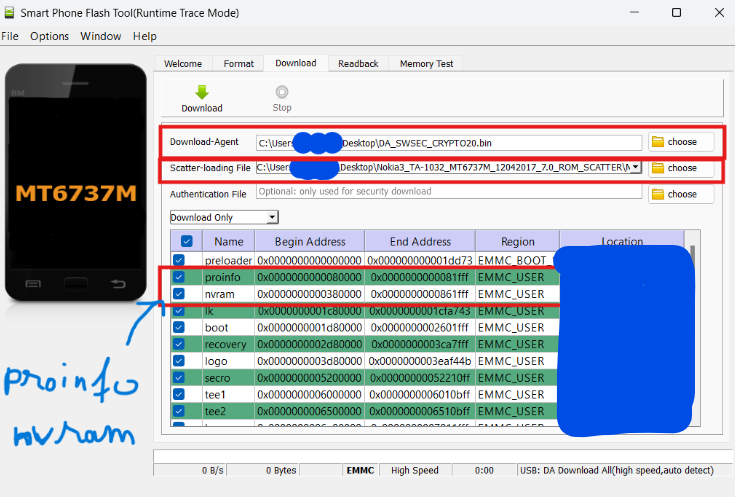
Click download, turn off the phone, do not remove the battery
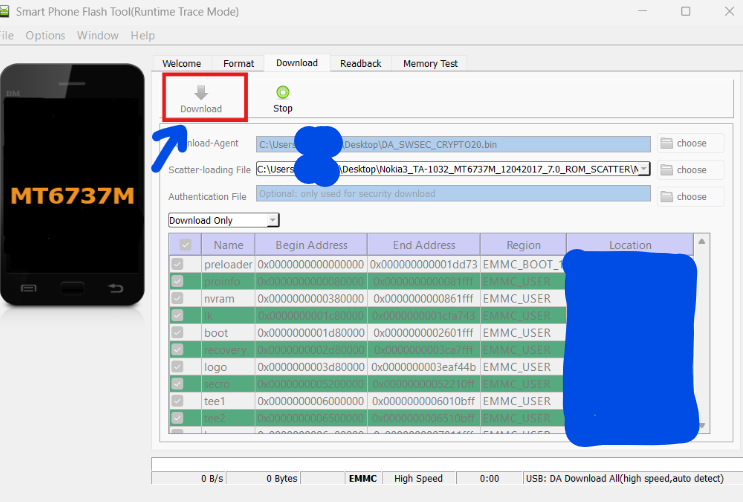
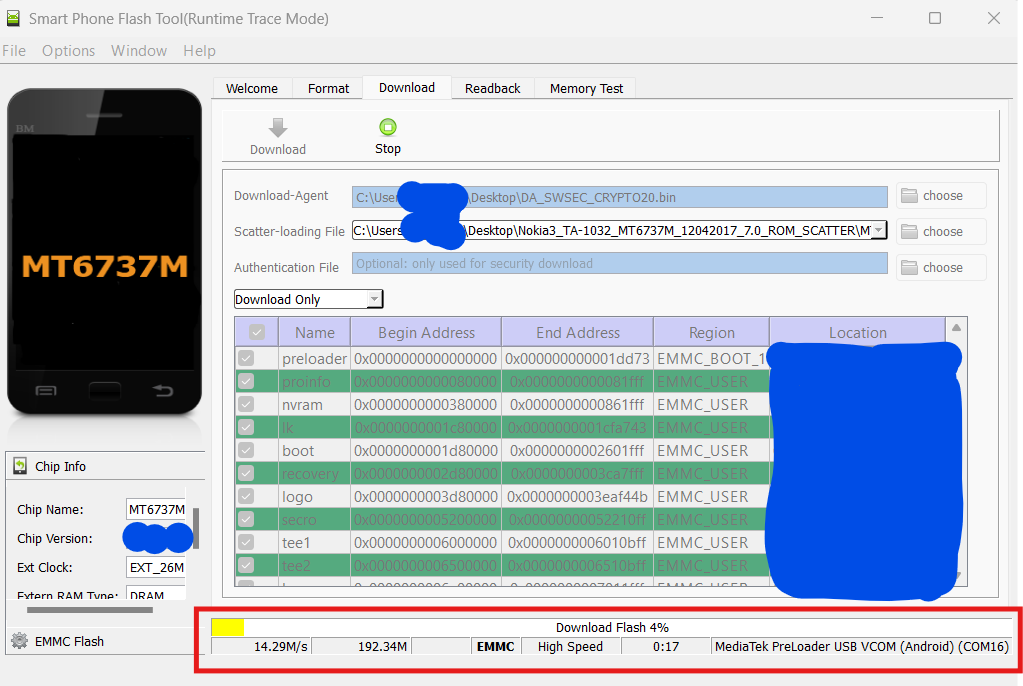
Wait for the flashing process to complete
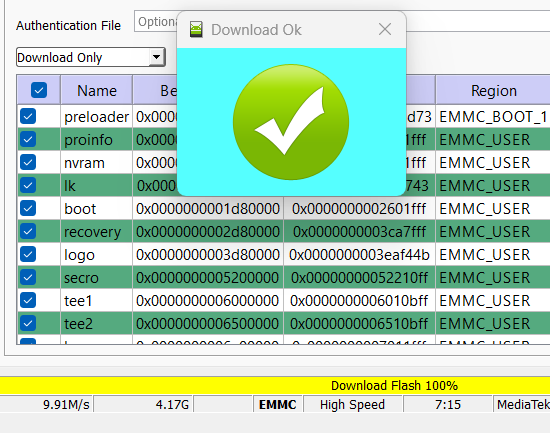
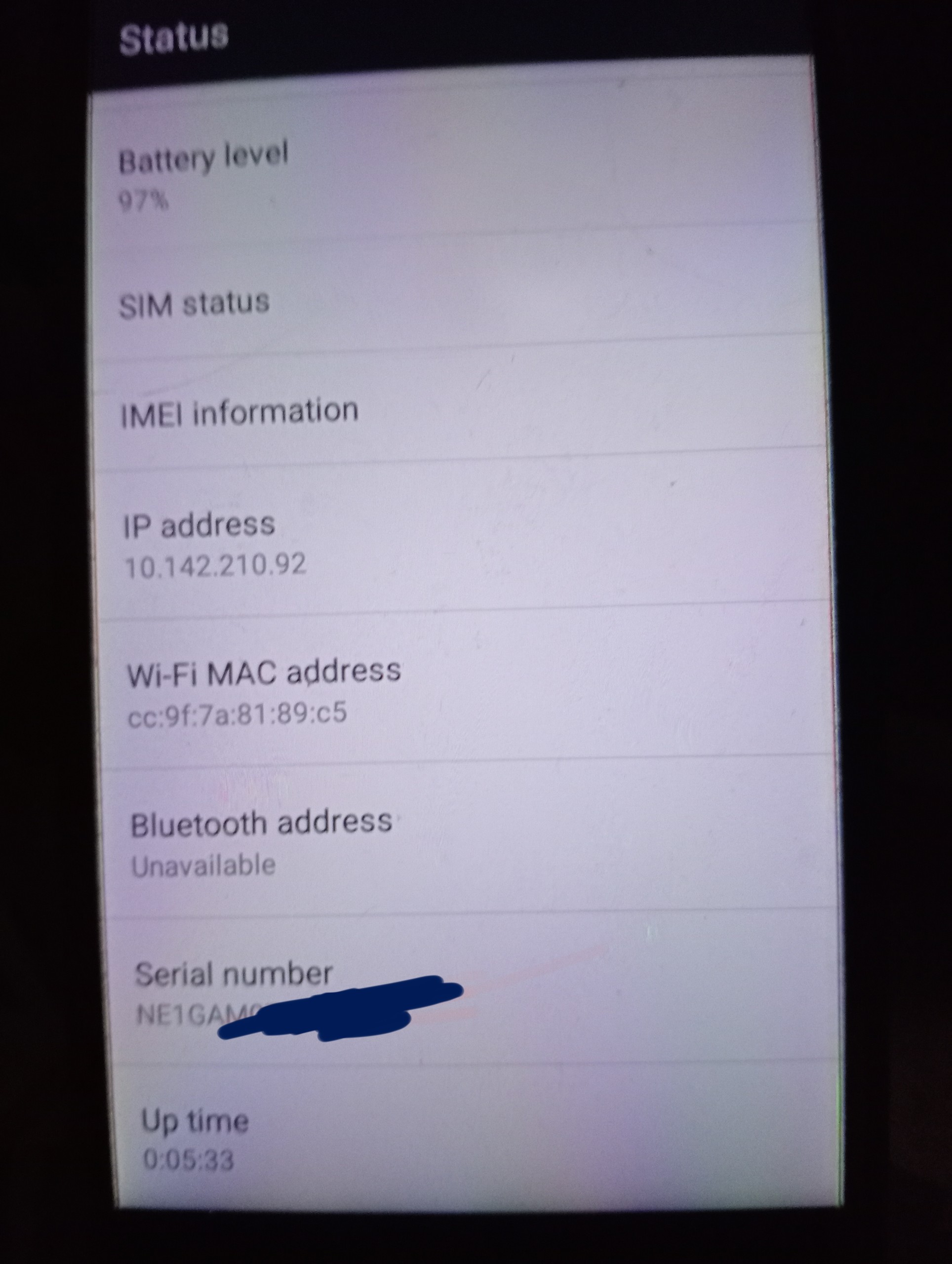
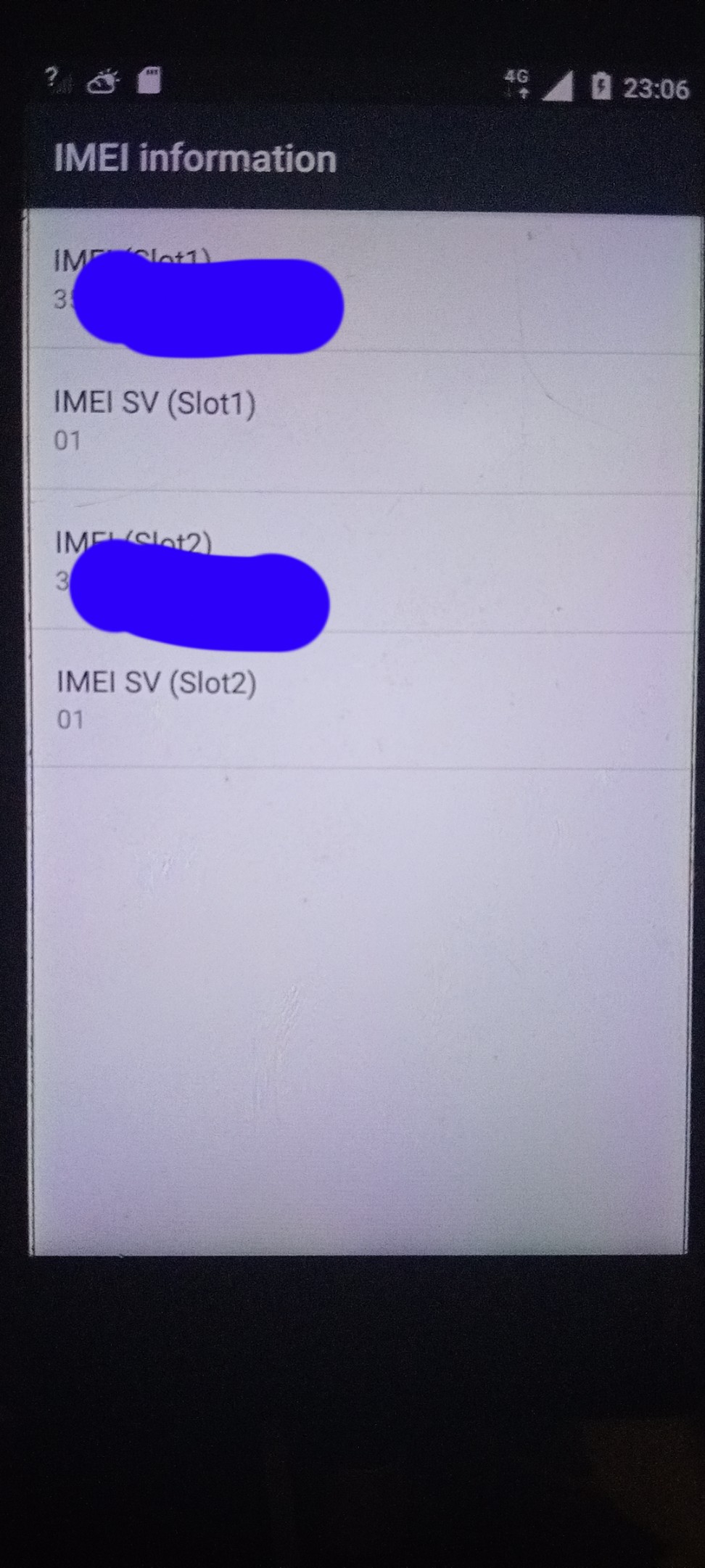
The serial number has been loaded successfully, but it will not appear in the bootloader, you need to update to the latest Android version so that the serial number is synchronized with the bootloader.Good luck
ID page : 01072024:4:10