Hello, today I will guide you how to activate wifi and bluetooth of wifi card BCM94352HMB
First, you need to mount the card inside the E6440.
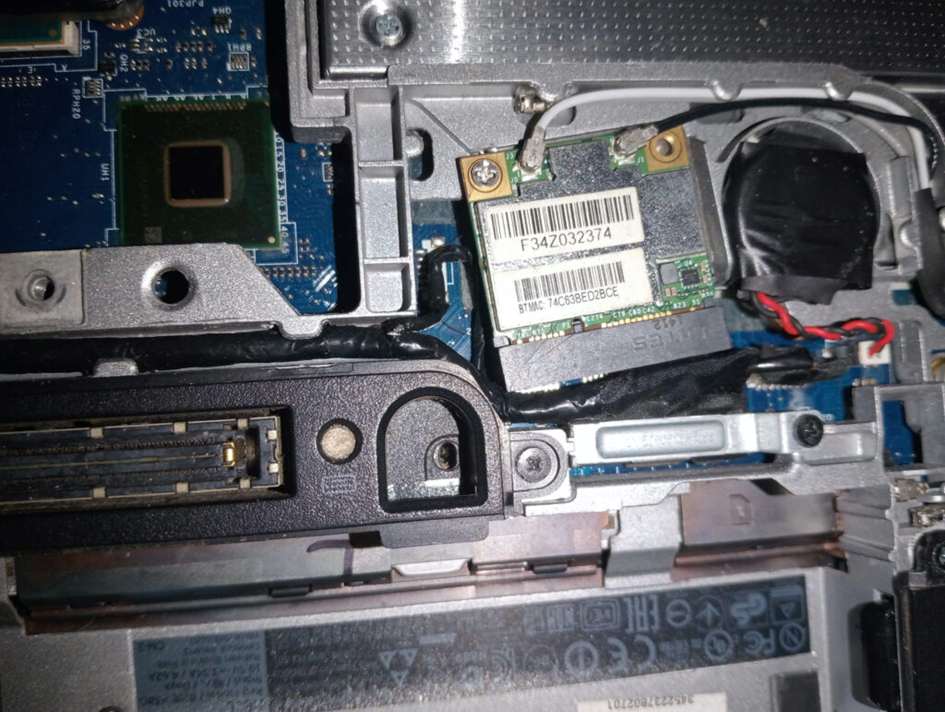
Next you need to download the following kexts
AirportBrcmFixup : Download
BrcmPatchRAM : Download
Once you have downloaded it, copy AirportBrcmFixup, into your EFI folder and add it to your opencore config file
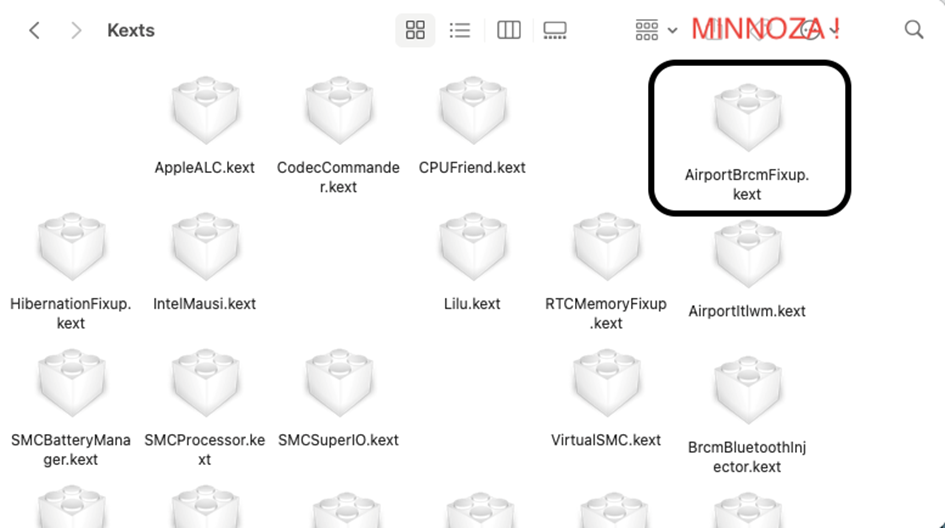
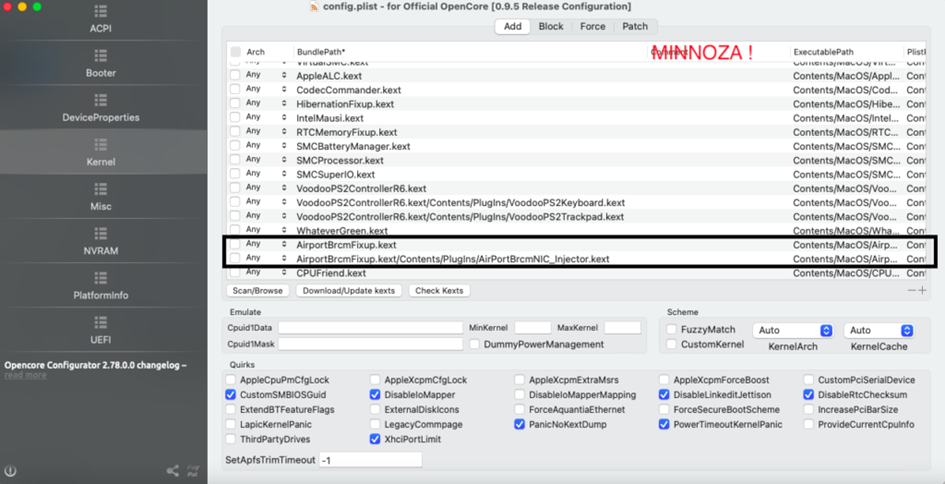
Next, you need to add the network controller configuration in the deviceProperties section.
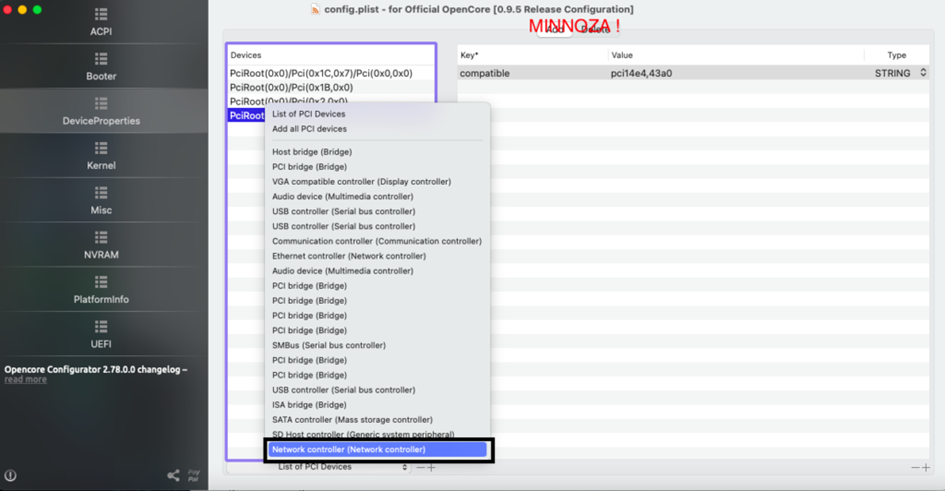
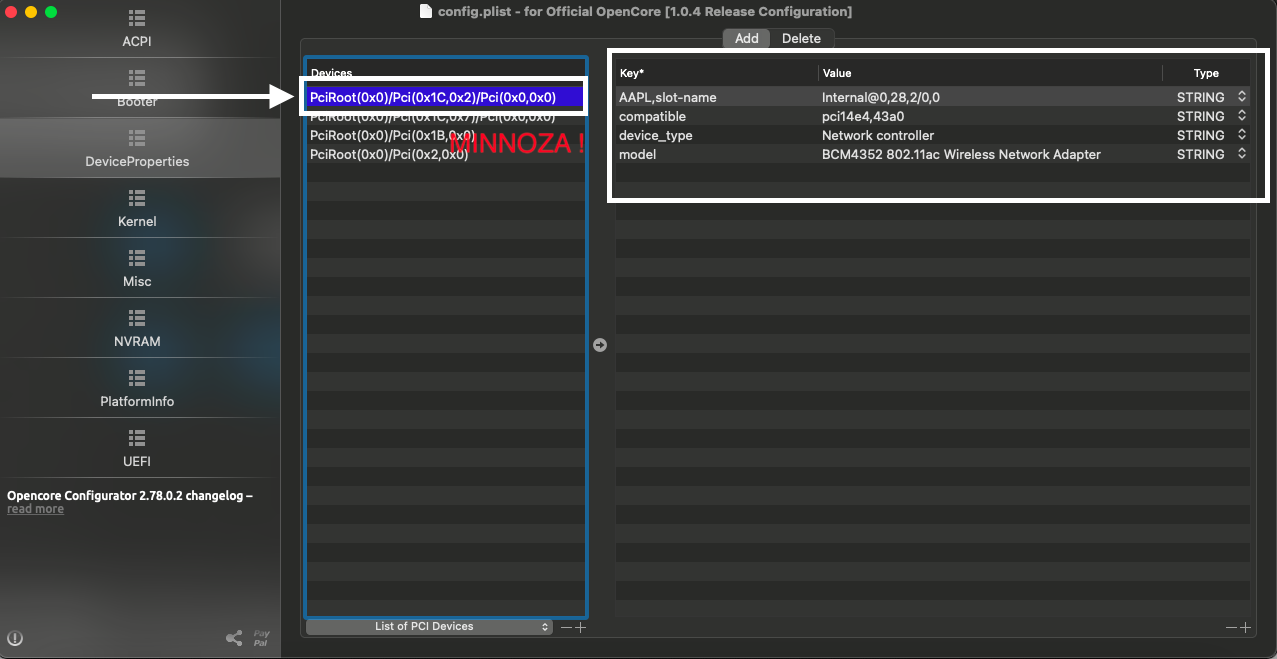
Please save opencore and restart your computer.
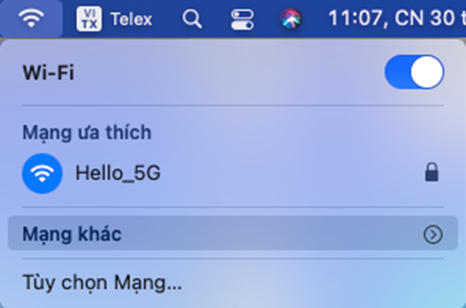
when restarting, if there is no wifi, try resetting Nvram
2. The bluetooth part is simpler, I will guide you by loading directly into the macos system
First you need to put the folder containing the kexts on the main screen for easy manipulation.
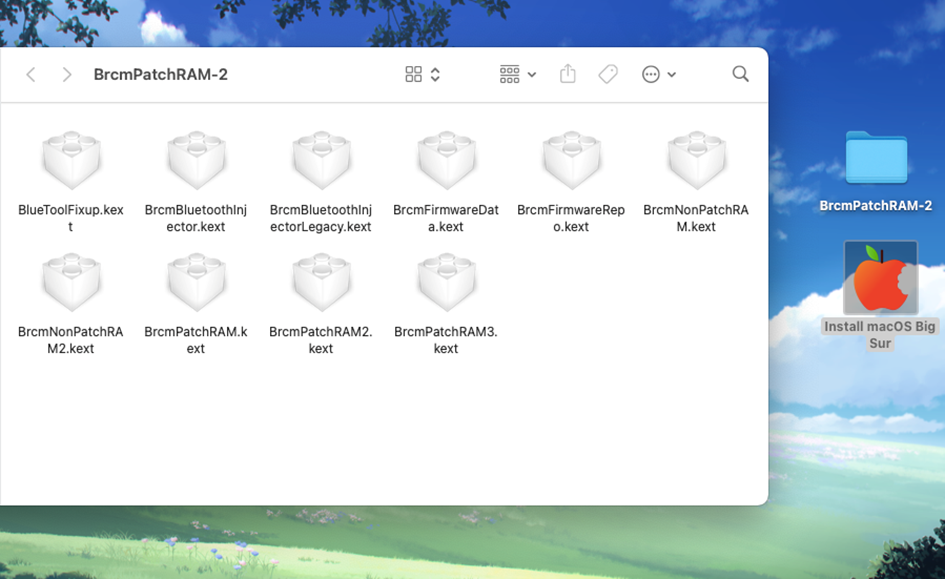
Open terminal, type sudo su to have access to the system
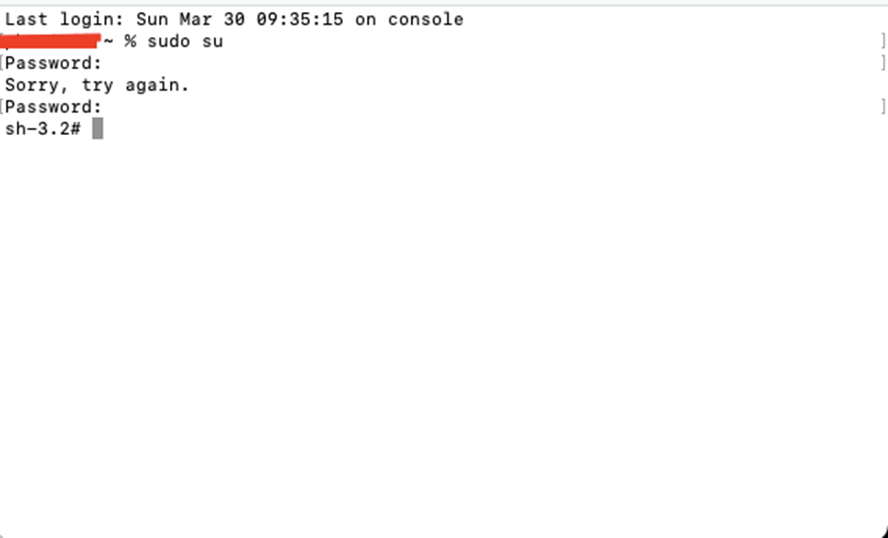
cd into BrcmPatchRAM-2 folder
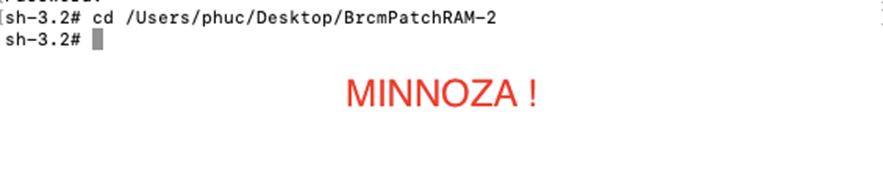
Copy the following commands into the terminal.
sudo cp -R BrcmPatchRAM3.kext /Library/Extensions/
sudo cp -R BrcmFirmwareData.kext /Library/Extensions/
sudo cp -R BrcmBluetoothInjector.kext /Library/Extensions/
sudo cp -R BlueToolFixup.kext /Library/Extensions/
Next, assign permissions to the kext
sudo chmod -R 755 /Library/Extensions/BrcmPatchRAM3.kext
sudo chmod -R 755 /Library/Extensions/BrcmFirmwareData.kext
sudo chmod -R 755 /Library/Extensions/BrcmBluetoothInjector.kext
sudo chmod -R 755 /Library/Extensions/BlueToolFixup.kext
sudo chown -R root:wheel /Library/Extensions/BrcmPatchRAM3.kext
sudo chown -R root:wheel /Library/Extensions/BrcmFirmwareData.kext
sudo chown -R root:wheel /Library/Extensions/BrcmBluetoothInjector.kext
sudo chown -R root:wheel /Library/Extensions/BlueToolFixup.kext
next is the kext kextcache command
sudo touch /Library/Extensions
sudo kextcache -i /
next go to efi config and add these functions to bootargs
brcmfx-driver=2
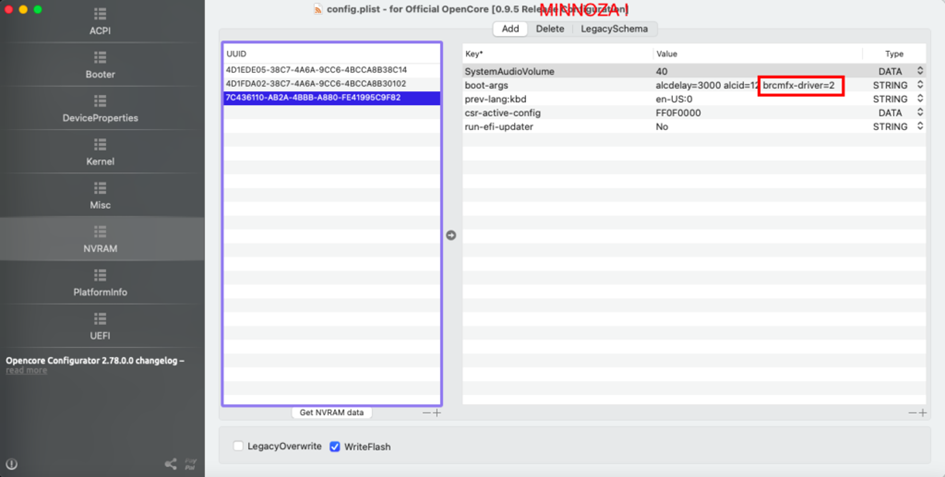
save and restart computer
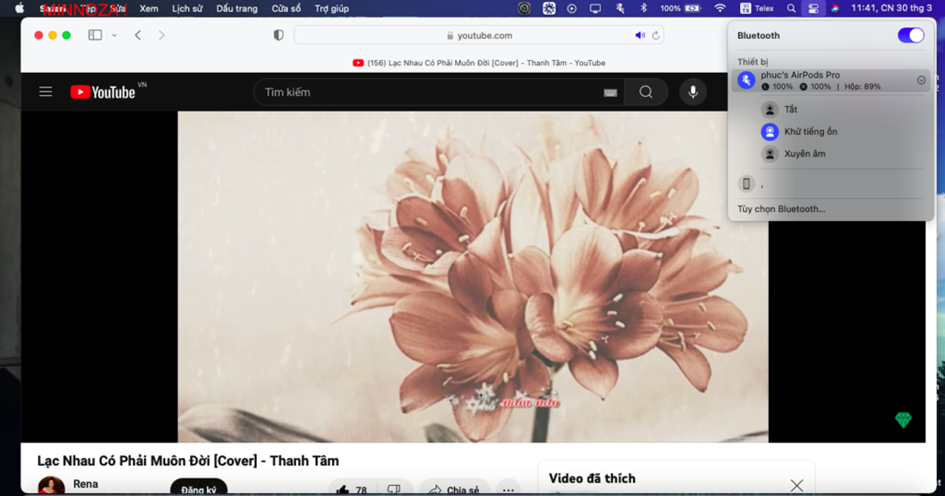
so we have fixed bluetooth and wifi for BCM94352HMB hackintosh Big Sur DELL E6440. Hope you like this article, good luck 😊
ID page : 300320211:46:39