First, we need to download Raspberry pi Imager from the Raspberry homepage
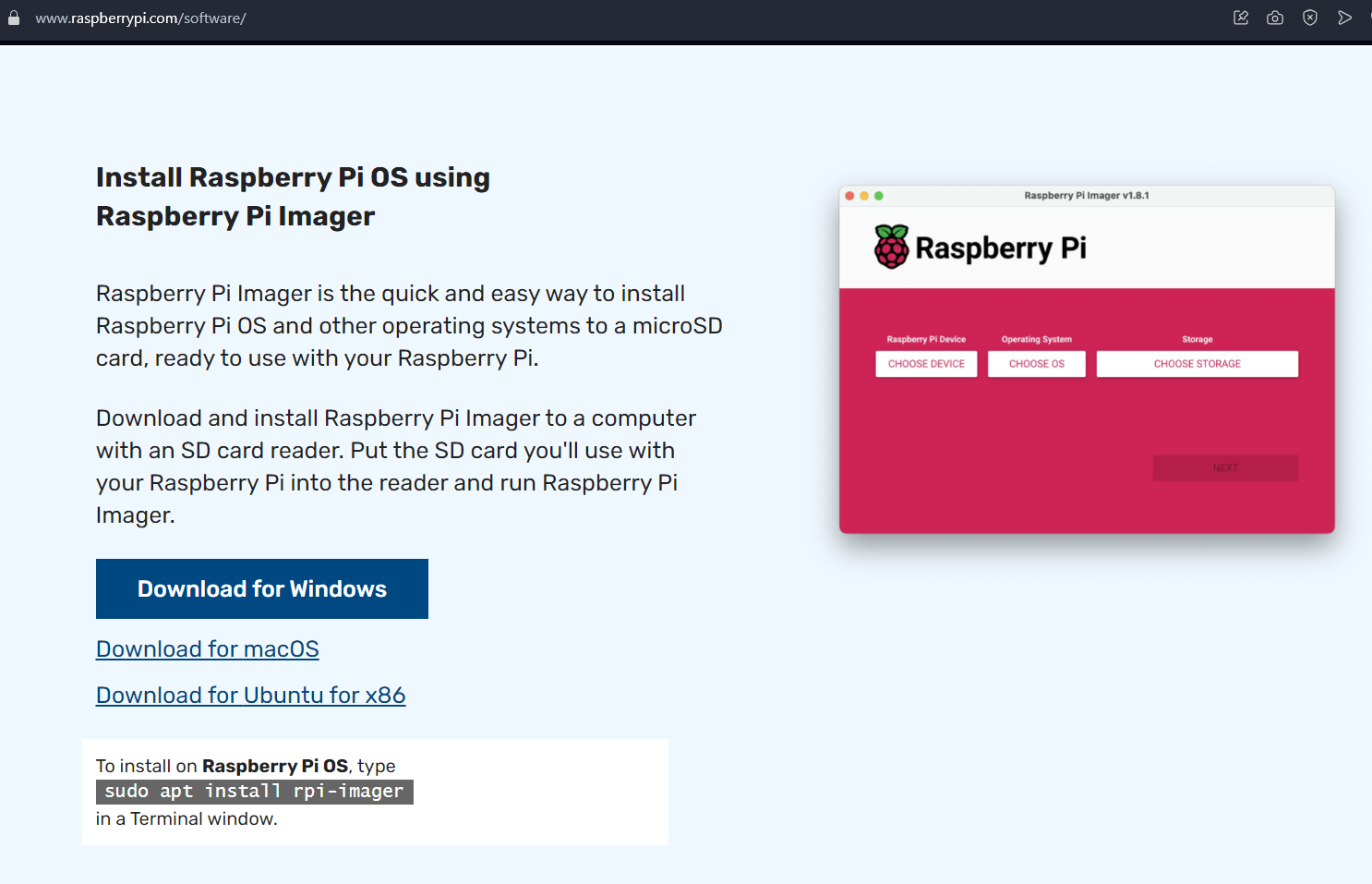
After downloading, install it and open it
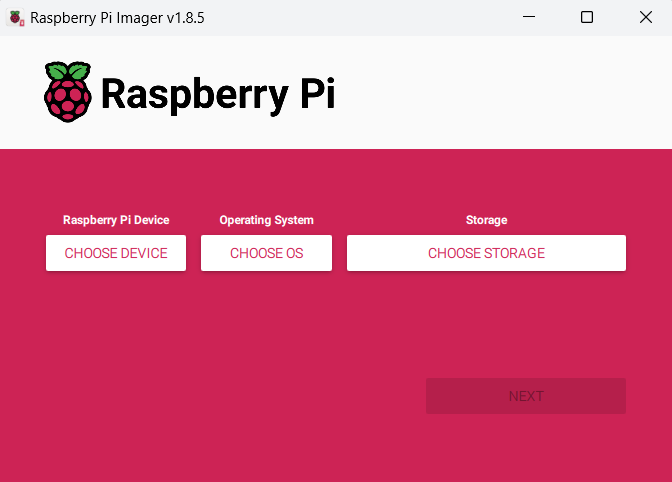
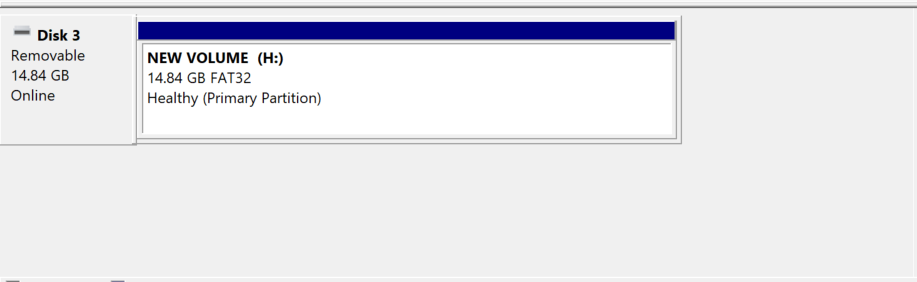
Next, plug the SSD into the computer via a sata to usb adapter. You should back up important data in the SSD before continuing.
Next, we go to Raspberry Pi to select parameters to create settings
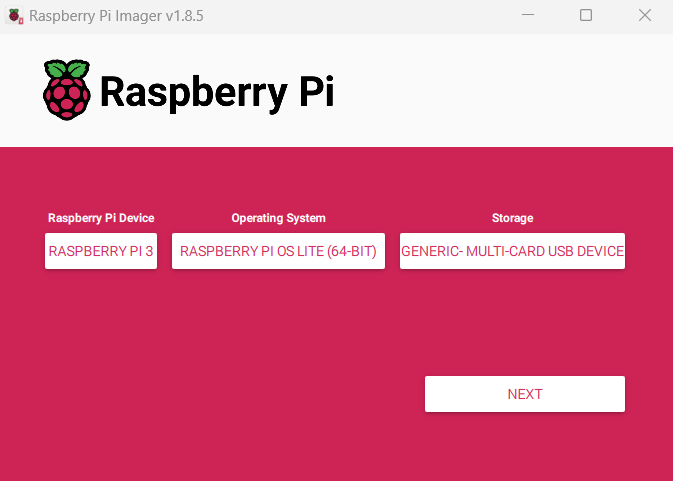
You can custom settings if needed
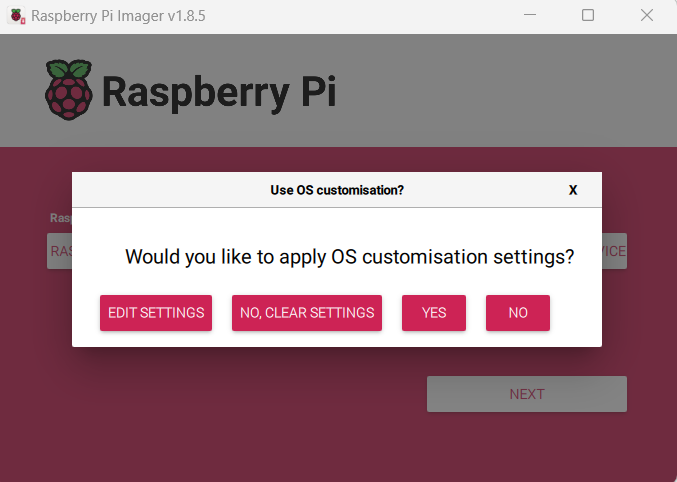
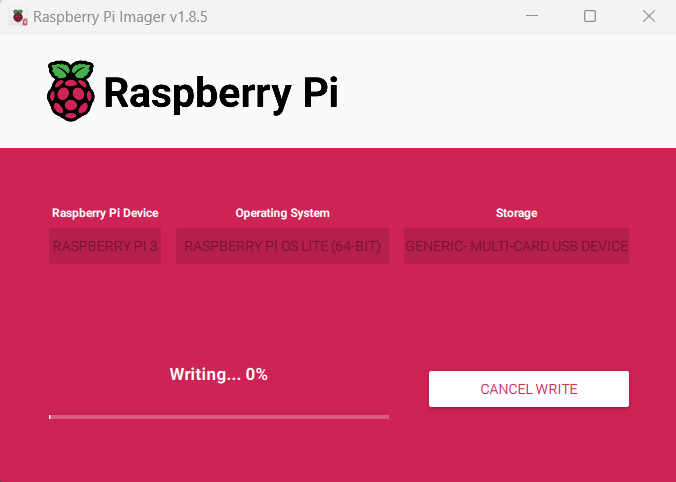
Select yes to start the installation process
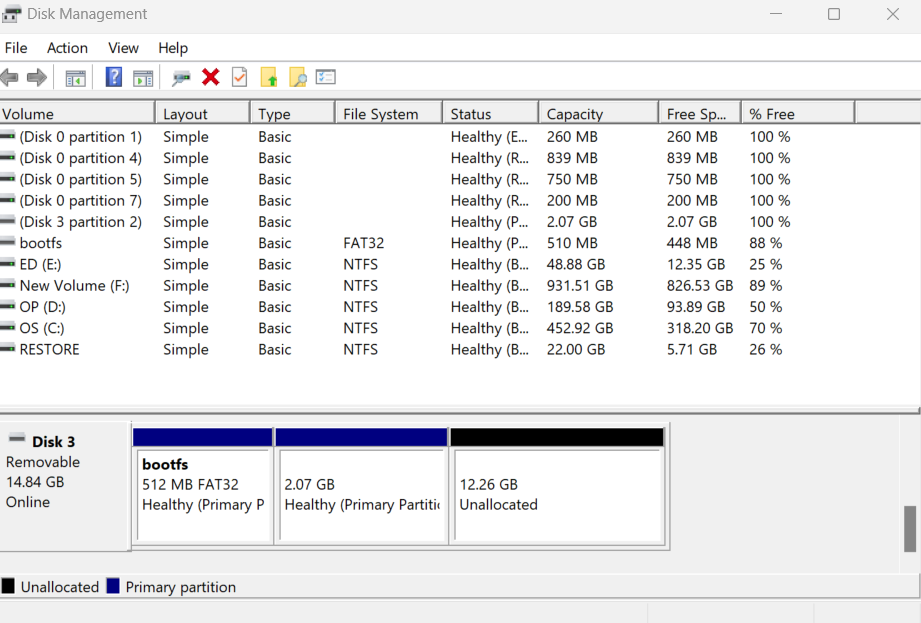
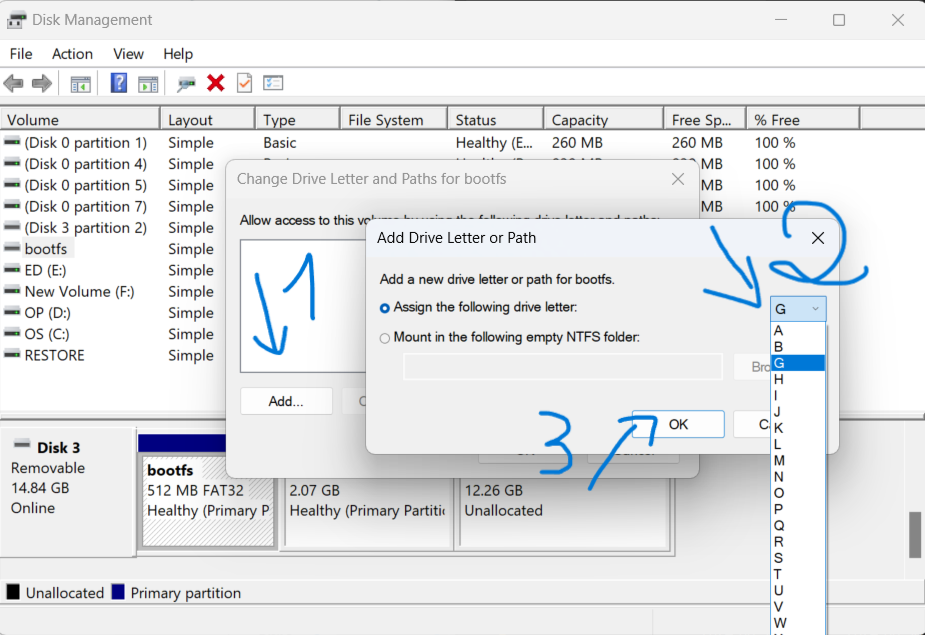
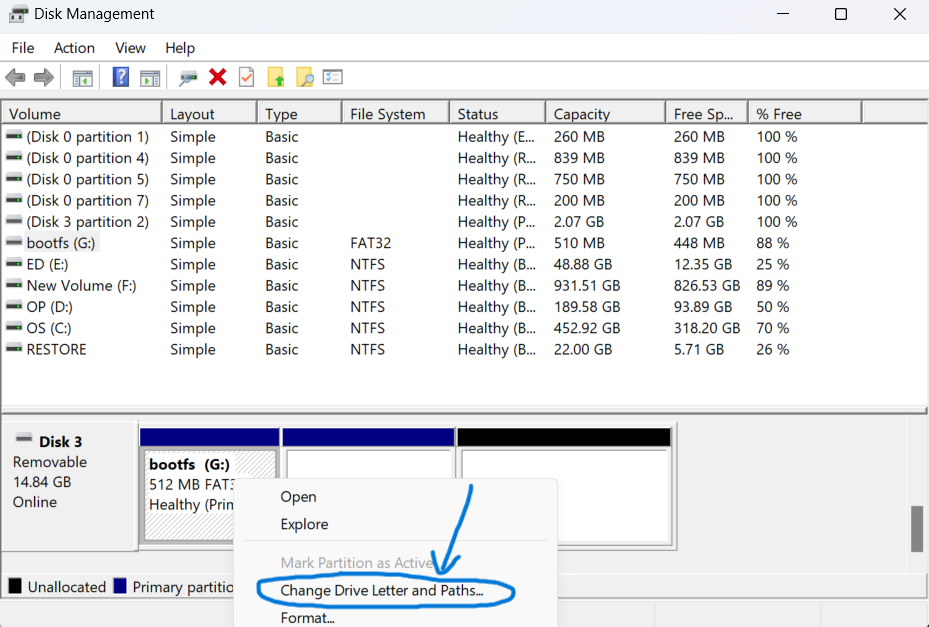
Next, go to disk management or drive management applications to change the partition letter
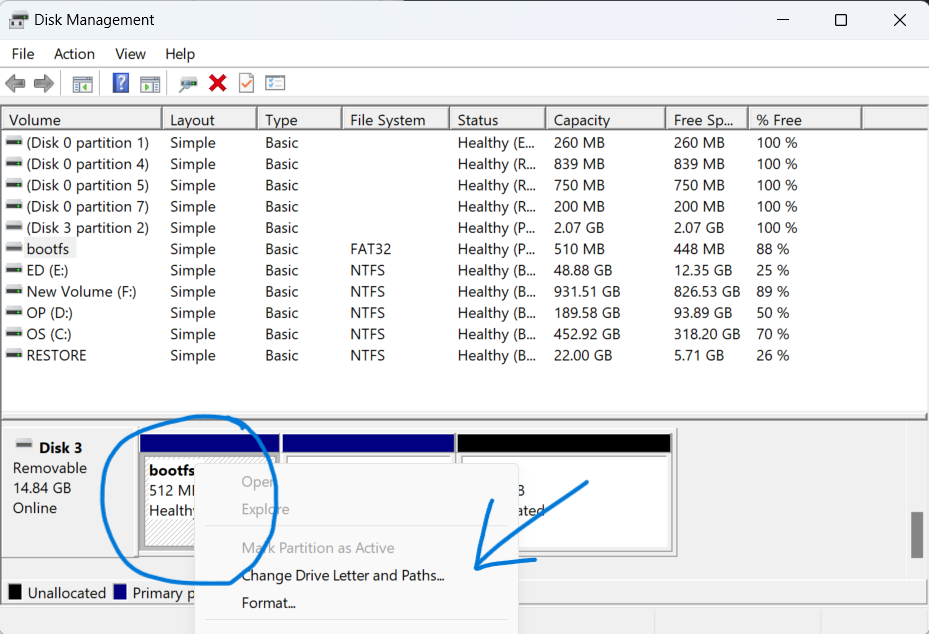
Right click on the partition named bootfs and select change drive letter
Next we select Add , select the drive letter in the list and click ok
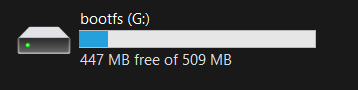
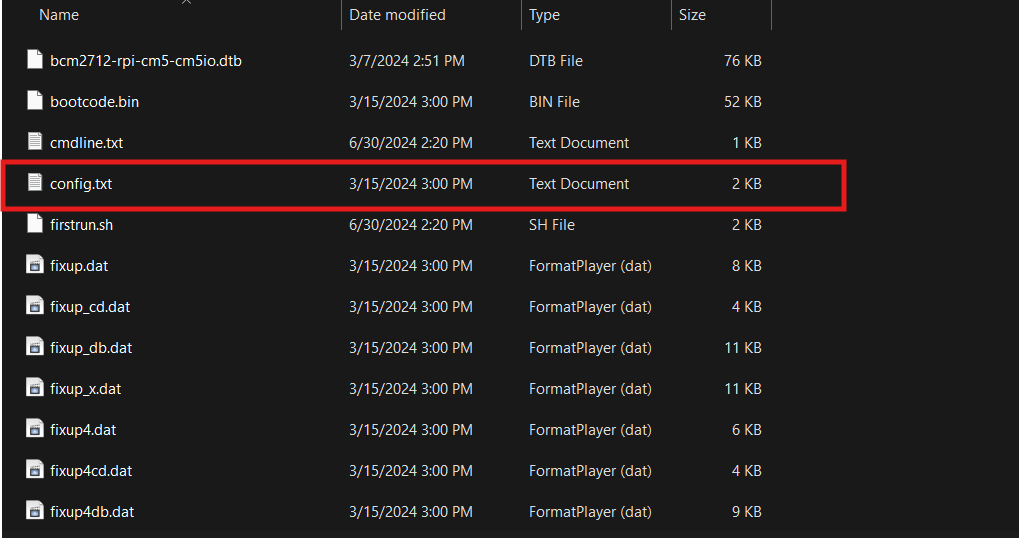
We will go to the bootfs drive, we look for the file named config.txt
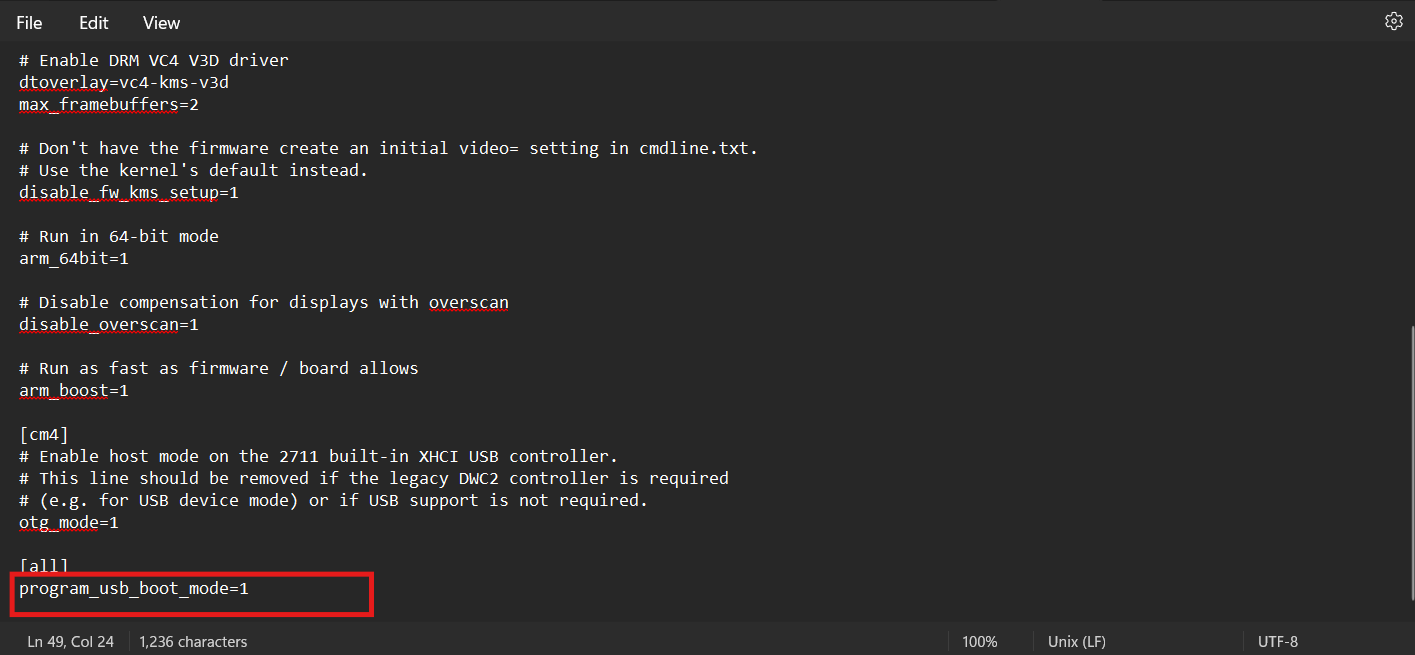
Open it up and we scroll down to the bottom of the text and add this code program_usb_boot_mode=1
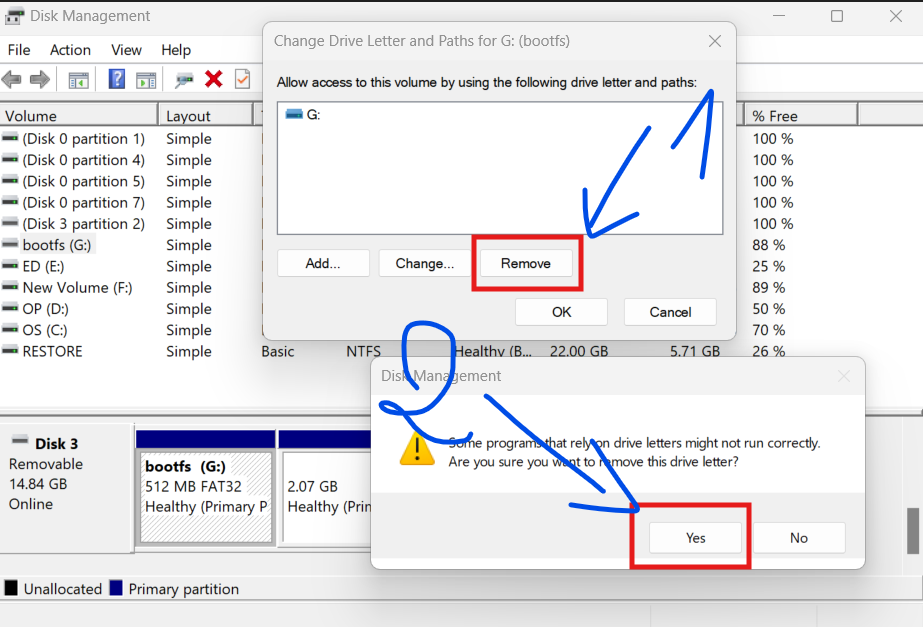
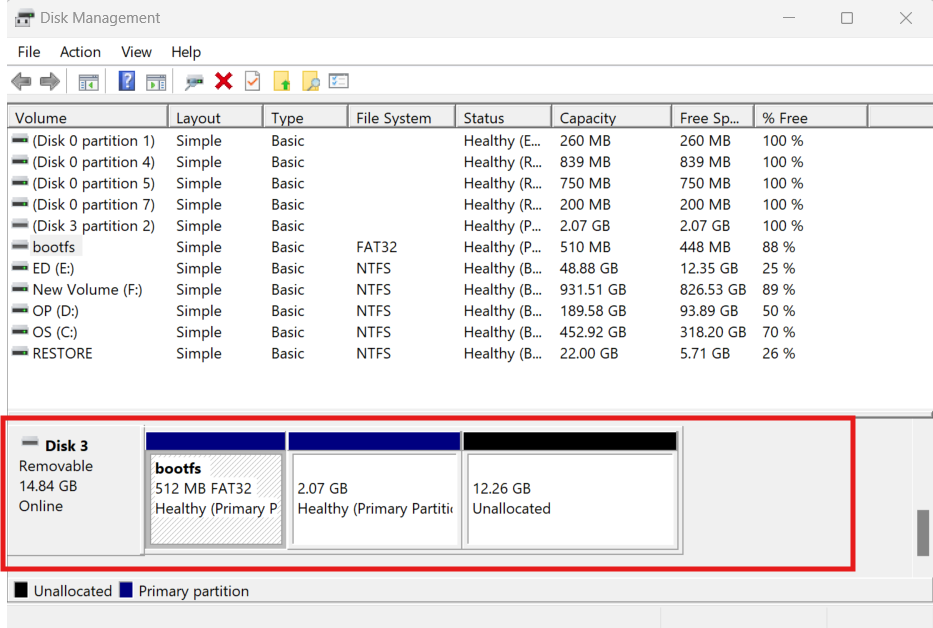
Save and open the disk management application, we will delete the bootfs partition letter
So we have created it, now let's disconnect the USB, plug it into the USB port of the raspberry pi and turn it on. Good luck
ID post : 30062024